
5 min read
DocuPipe vs Tesseract OCR: Which is best for your team? [2026]

Published March 1, 2026
Looking for the best Tesseract alternative? Tesseract gives you raw text and X/Y coordinates. You build the table reconstruction, JSON mapping, schema validation, and retry logic yourself - months of engineering work. And it fails silently with no confidence scores. DocuPipe is a managed API: upload a document, get structured JSON back. No geometry algorithms, no parsing nightmares, no silent failures.
TL;DR
Tesseract returns raw text and coordinates - you build table reconstruction and JSON mapping yourself. DocuPipe is a managed API: upload a document, get structured JSON back.
Table of Contents
- DocuPipe vs Tesseract OCR at a glance
- Tesseract alternative: raw text vs structured JSON
- The hidden cost: 2-4 months of engineering
- Silent failures: the hidden Tesseract problem
- Table extraction: the Tesseract nightmare
- Language support: 100+ languages vs Latin-script focus
- Tesseract vs DocuPipe: when free isn't free
- Handwriting: where Tesseract can't compete
- Which should you choose?
- FAQ
DocuPipe vs Tesseract OCR at a glance
| DocuPipe | Tesseract OCR | |
|---|---|---|
| What you get | Structured JSON matching your schema | Raw text + bounding box coordinates |
| Time to production | Minutes (API key + schema) | 2-4 months building parsing pipeline |
| Table extraction | Works out of the box | Build line-intersection algorithms yourself |
| Failure handling | Confidence scores, flagged for review | No confidence scores, silent failures |
| Handwriting | 100+ languages including handwriting | Struggles significantly |
| Maintenance | Managed service, we handle updates | You maintain the infrastructure |
| Pricing | $99/mo Business tier | Free (but 2-4 months engineering cost) |
| Human review | Built-in source highlighting UI | Build your own |
Ready to see the difference?
Get up to 20,000 free credits with an eligible work email. No credit card required.
Tesseract alternative: raw text vs structured JSON
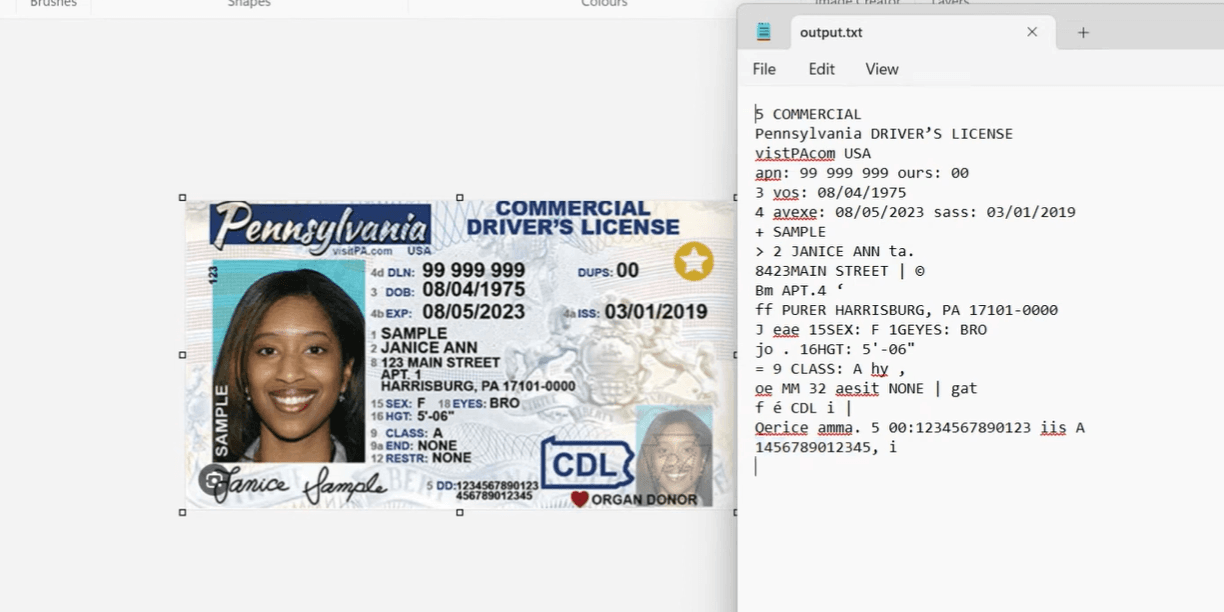
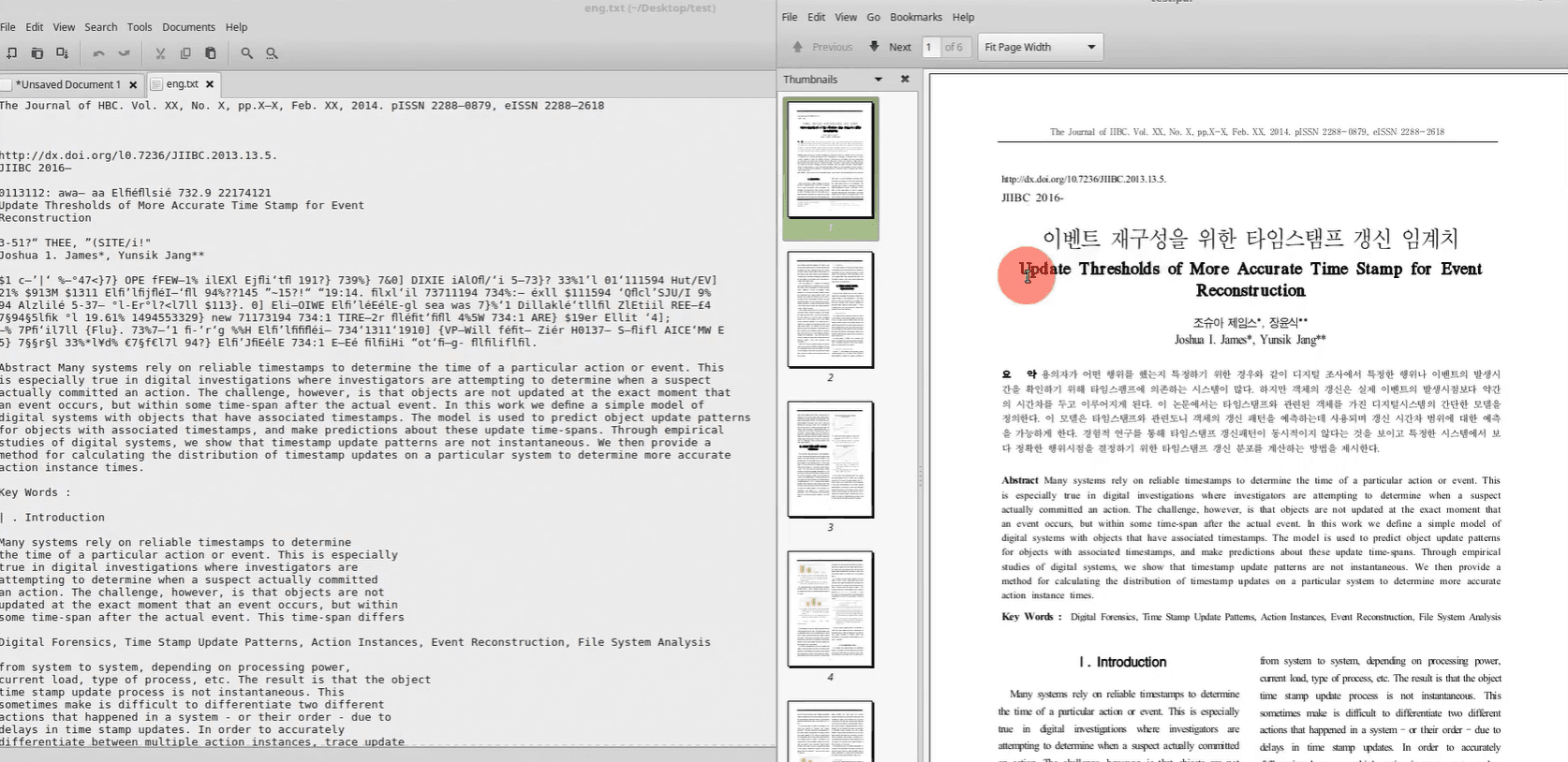
Tesseract returns a massive flat array of text strings and bounding box coordinates. That's it. You get characters and their pixel positions. And here's what they don't tell you upfront: Tesseract requires aggressive preprocessing - binarization, deskewing, noise reduction - to get even decent results. Without it, accuracy is unusable. And it fails completely on complex layouts like multi-column documents or nested tables.
DocuPipe returns structured JSON matching your schema. Define fields like 'invoice_total', 'vendor_name', 'line_items' and get clean, typed data back. No preprocessing pipeline to build, no regex parsing, no mapping logic. Raw scans work out of the box.
The Tesseract approach made sense in 2010. In 2026, with LLM-powered extraction, you don't need to build an entire document understanding system from OCR primitives.
The hidden cost: 2-4 months of engineering
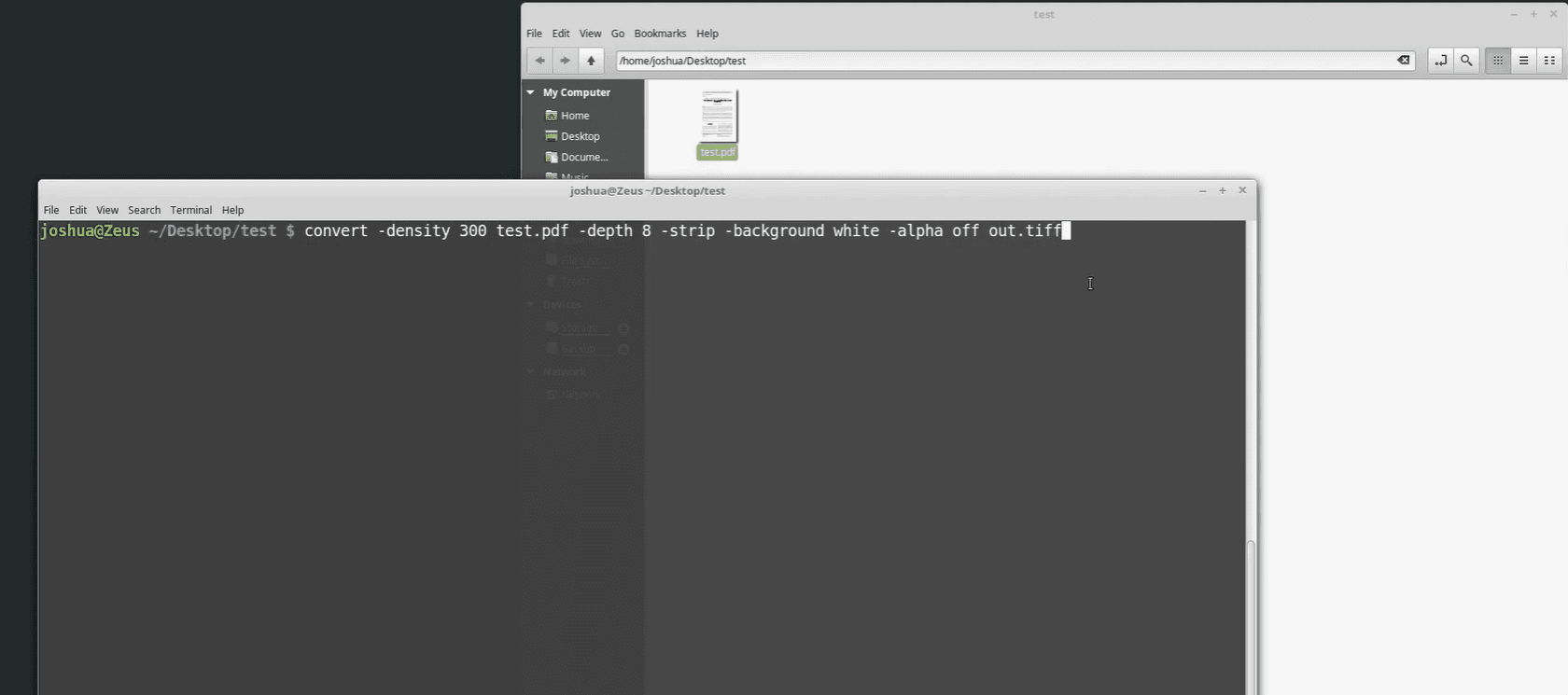
Tesseract is free. But what does production-ready extraction cost? You need geometry logic to figure out if text on the left belongs to text on the right. Line-intersection algorithms to rebuild tables. A JSON schema validator. Retry logic for failures. Confidence scoring. A review UI.
Teams report 2 to 4 months of dedicated engineering time to get Tesseract to production-ready accuracy. And it still breaks constantly on edge cases - skewed photos, borderless tables, nested layouts.
DocuPipe's $99/mo Business tier buys back those engineering months. Your developers work on your product, not on parsing infrastructure.
Silent failures: the hidden Tesseract problem
A common complaint in developer communities: Tesseract doesn't tell you when it's confused. It just returns garbage text. There's no confidence score, no flag, no indication that the output is unreliable.
DocuPipe returns confidence scores for every field. Low-confidence extractions get flagged for human review. Your ops team sees exactly which documents need attention - no silent corruption of your database.
For production systems where data quality matters, DocuPipe's explicit confidence handling beats Tesseract's silent failures.
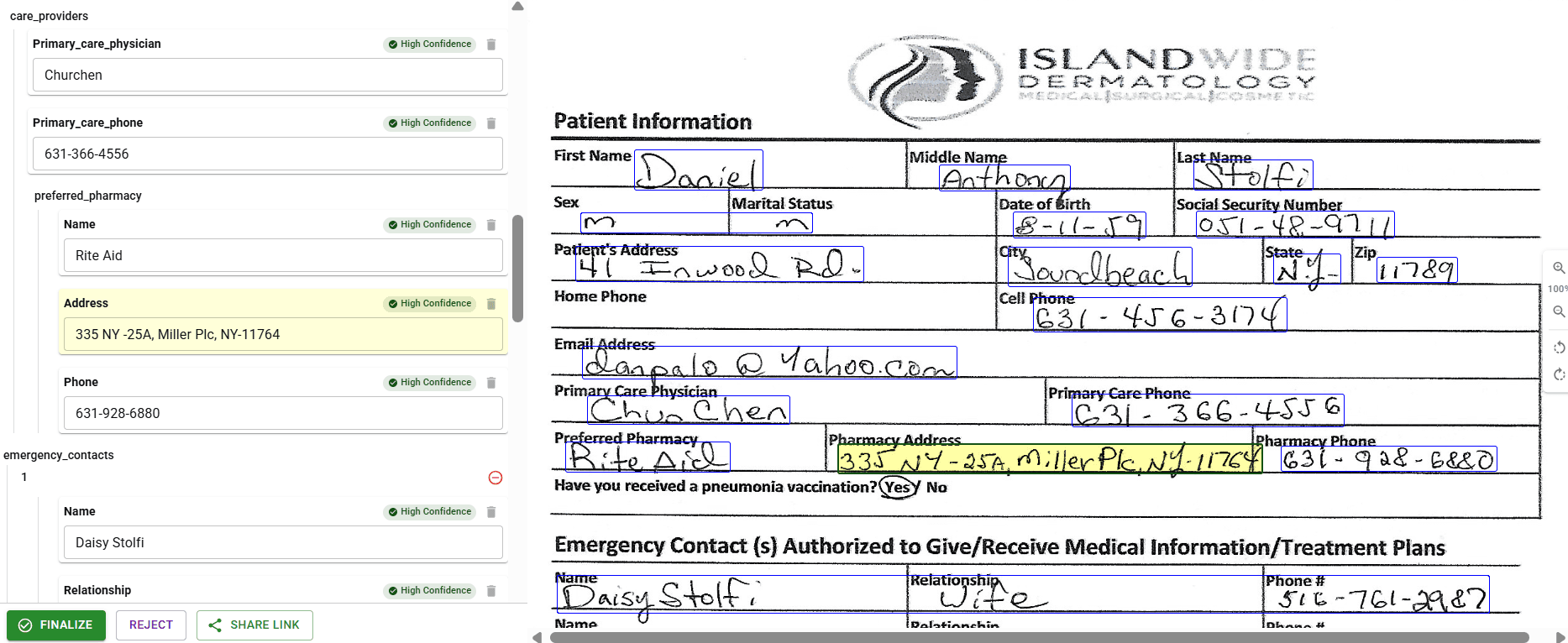
Table extraction: the Tesseract nightmare
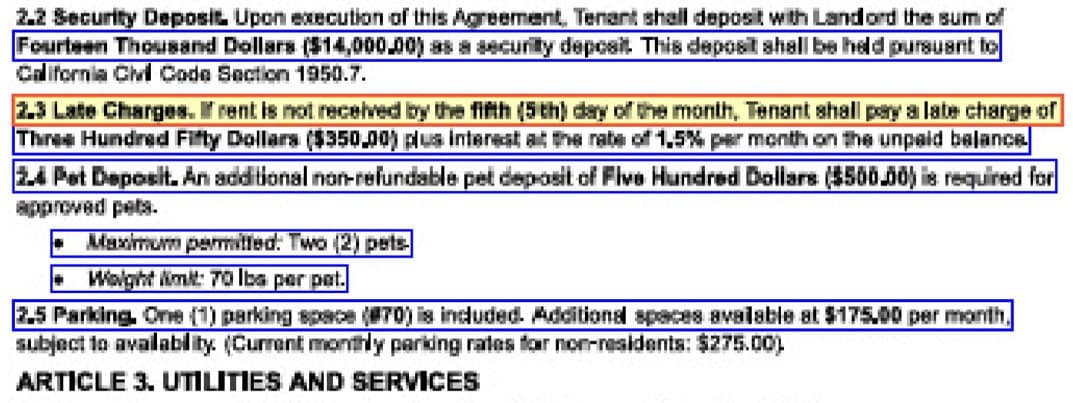
Tables are where Tesseract breaks down. It returns text and positions - you write algorithms to detect table boundaries, identify rows and columns, handle merged cells, deal with borderless tables. Every edge case requires custom code.
DocuPipe handles tables natively. Complex layouts, merged cells, borderless tables, tables spanning pages - you get structured row/column data. No geometry algorithms required.
If your documents have tables (and most business documents do), this alone justifies switching from Tesseract.
See it in action
Up to 20,000 free credits with an eligible work email. No credit card required.
Language support: 100+ languages vs Latin-script focus
Tesseract was built for English and Latin scripts. It technically supports other languages, but accuracy drops significantly for Arabic, Hebrew, CJK, Cyrillic, and Devanagari. Right-to-left text handling is problematic.
DocuPipe supports 100+ languages natively, including full handwriting recognition for 13 major languages. Arabic, Hebrew, Chinese, Japanese, Korean, Russian - same accuracy as English.
For international documents, Tesseract's language limitations become a blocker.
Tesseract vs DocuPipe: when free isn't free
Choose Tesseract if you need raw OCR output for a research project, you have months of engineering time to invest, and you're comfortable maintaining OCR infrastructure indefinitely.
Choose DocuPipe if you need structured data extraction for a production system, you want to ship in days instead of months, and you'd rather pay for a managed service than maintain parsing infrastructure.
Tesseract is free software. DocuPipe is free time - your engineering team's time, redirected to your actual product.
Handwriting: where Tesseract can't compete
Tesseract was designed for printed text. Handwriting recognition is not a supported use case - you'll get garbage output on handwritten documents. For forms with signatures, handwritten notes, or filled-in fields, Tesseract simply fails.
In an independent review, The Digital Merchant tested DocuPipe on a doctor's handwritten prescription - described as 'notoriously illegible' - and reported being 'impressed with the accuracy of the output.' A G2 reviewer processing thousands of handwritten forms reported 98% reliability on handwriting transcription, even with poor handwriting and bubble answers.
DocuPipe's handwriting recognition supports 100+ languages. For any document with handwritten content - medical forms, signed contracts, filled applications - this capability gap alone makes Tesseract a non-starter.
Which should you choose?
Choose DocuPipe if...
You need structured JSON, not raw OCR text
You want to ship in days, not months
Your documents have tables
You need confidence scores and human review
You process non-Latin languages
You'd rather pay $99/mo than invest 2-4 months engineering
Choose Tesseract OCR if...
You need low-level OCR control for a custom pipeline
You have engineering capacity to build extraction logic on top
You're integrating OCR into a larger self-built system
Your use case requires fine-tuned OCR parameters
Skip the setup headaches
Start extracting documents in minutes, not weeks.
Frequently asked questions
Tesseract gives you raw text and coordinates. Production-ready extraction requires 2-4 months of engineering: table reconstruction, JSON mapping, validation, confidence scoring, review UI. DocuPipe includes all of that for $99/mo. Your engineering time costs more than our subscription.
Tesseract outputs raw text strings and bounding box coordinates (X, Y positions). You build the logic to map that to your data model. DocuPipe outputs structured JSON matching your schema - invoice_total, vendor_name, line_items - ready for your database.
Technically yes, but you write the algorithms. Tesseract returns text positions; you implement line-intersection detection, row/column identification, merged cell handling, and borderless table detection. DocuPipe handles tables natively - you get structured data.
Tesseract doesn't have confidence thresholds that trigger alerts. When it struggles with a document, it returns low-quality text without flagging the issue. DocuPipe provides field-level confidence scores and flags uncertain extractions for human review.
Teams report 2-4 months of dedicated engineering to build production-ready extraction on Tesseract: geometry algorithms, JSON mapping, validation, error handling, and review workflows. DocuPipe: minutes to first extraction, days to production.
Tesseract has language packs, but accuracy drops significantly outside Latin scripts. Arabic, Hebrew, CJK languages struggle. DocuPipe supports 100+ languages natively with consistent accuracy, including handwriting for 13 major languages.
The best way to compare? Try it yourself.
Up to 20,000 free credits with an eligible work email. No credit card required.