
6 min read
DocuPipe vs EasyOCR: Which is best for your team? [2026]

Published March 4, 2026
Looking for the best EasyOCR alternative? EasyOCR is easier than Tesseract, but it still returns flat text arrays and X/Y coordinates. You still build the table reconstruction, JSON mapping, and validation logic yourself. DocuPipe returns structured JSON matching your schema. Define your fields, upload a document, get production-ready data back.
TL;DR
EasyOCR returns flat text arrays - you build the table parsing and JSON mapping yourself. DocuPipe returns structured JSON matching your schema. No DIY pipeline required.
Table of Contents
- DocuPipe vs EasyOCR at a glance
- EasyOCR alternative: easier than Tesseract, but still not enough
- Where EasyOCR breaks: tables, columns, and skewed photos
- The hidden cost: GPU infrastructure
- OCR vs extraction: the fundamental gap
- Why EasyOCR exists: the Tesseract installation nightmare
- The GPU tradeoff: faster processing, higher costs
- Confidence and verification: source highlighting vs nothing
- EasyOCR vs DocuPipe: OCR library vs extraction API
- Handwriting: where EasyOCR falls short
- Which should you choose?
- FAQ
DocuPipe vs EasyOCR at a glance
| DocuPipe | EasyOCR | |
|---|---|---|
| What you get | Structured JSON matching your schema | Flat text arrays + bounding boxes |
| Table extraction | Works out of the box | Fails on borderless tables |
| Skewed photos | Automatic handling | Often fails completely |
| Complex layouts | Multi-column, nested structures handled | Struggles with complex layouts |
| Schema validation | Types checked, missing fields flagged | You build validators |
| Human review | Built-in source highlighting UI | Build your own |
| Deployment | Managed API | Self-hosted, GPU recommended |
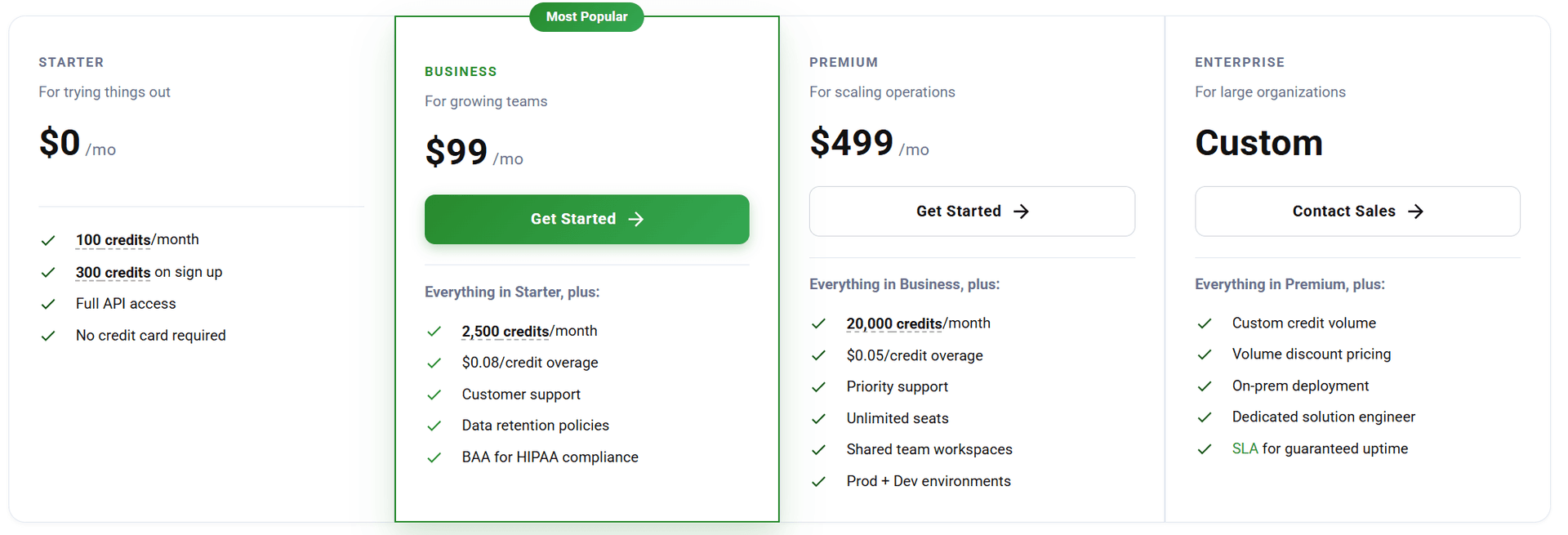
| Pricing | $99/mo Business tier | Free (+ GPU costs + engineering time) |
Ready to see the difference?
Get up to 20,000 free credits with an eligible work email. No credit card required.
EasyOCR alternative: easier than Tesseract, but still not enough
EasyOCR lives up to its name - it's easier to set up than Tesseract. pip install, import, call. The PyTorch backend handles model loading. It handles simple documents well, but accuracy can decrease on complex layouts, multi-column documents, and borderless tables. For straightforward OCR tasks, EasyOCR works. For production extraction requiring structured data from varied documents, you'll need additional infrastructure.
EasyOCR returns the same thing Tesseract does: flat text arrays and bounding boxes. You still need to build table reconstruction, JSON mapping, schema validation, and review workflows. The OCR is easier; the extraction pipeline is the same amount of work.
DocuPipe handles the entire pipeline. Define a schema, upload a document, get structured JSON. Production-ready accuracy on complex documents, no parsing infrastructure to build.
Where EasyOCR breaks: tables, columns, and skewed photos
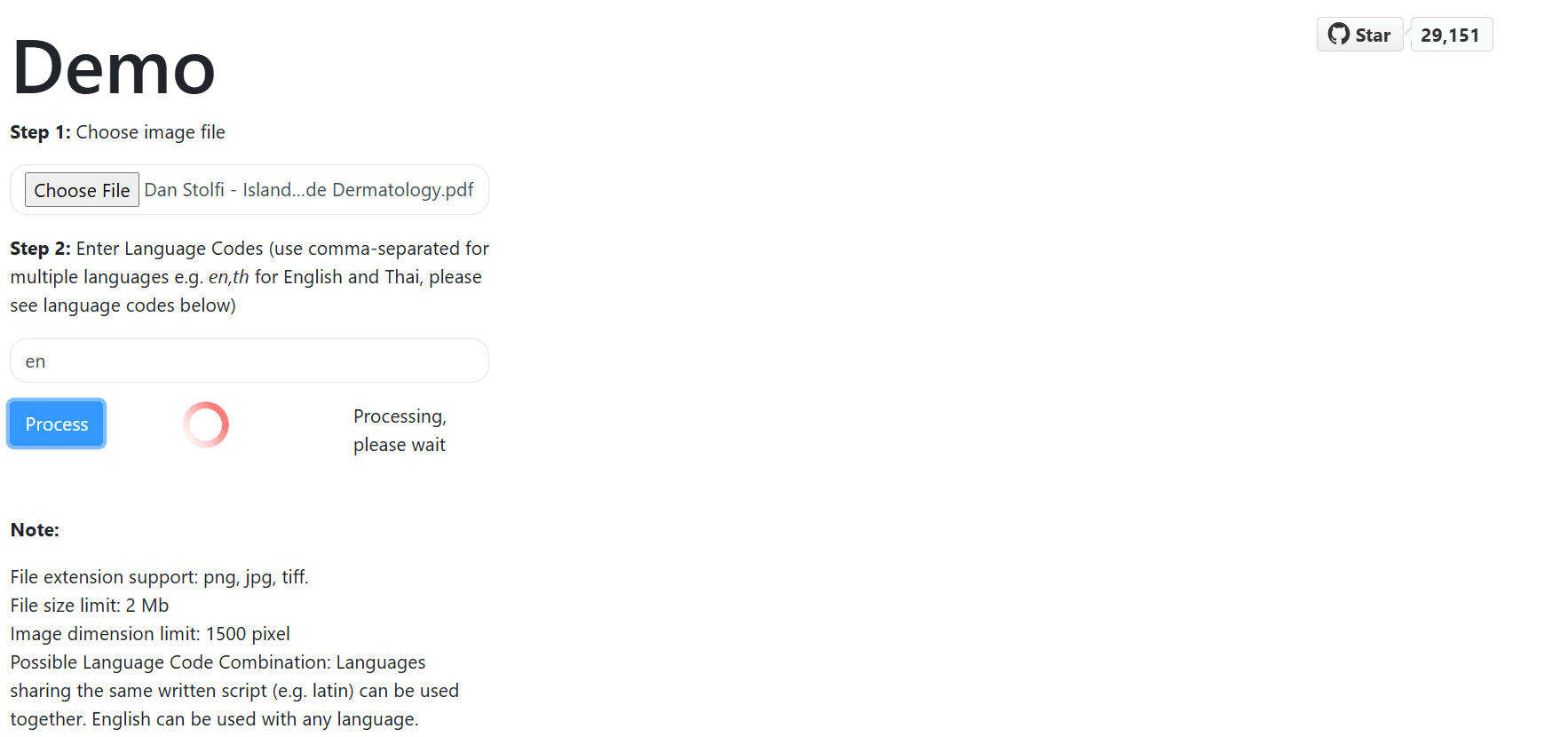
EasyOCR handles simple documents reasonably well. But edge cases expose its limitations. Borderless tables? It can't detect table structure without visible lines. Multi-column layouts? It often merges columns into a single stream. Skewed mobile photos? Accuracy drops significantly.
These aren't rare edge cases - they're everyday business documents. Insurance forms have borderless tables. Newspapers have columns. Phone photos are always slightly tilted.
DocuPipe handles these natively. Our spatial preprocessing preserves layout structure before extraction. Tables, columns, and skewed documents work out of the box.
The hidden cost: GPU infrastructure
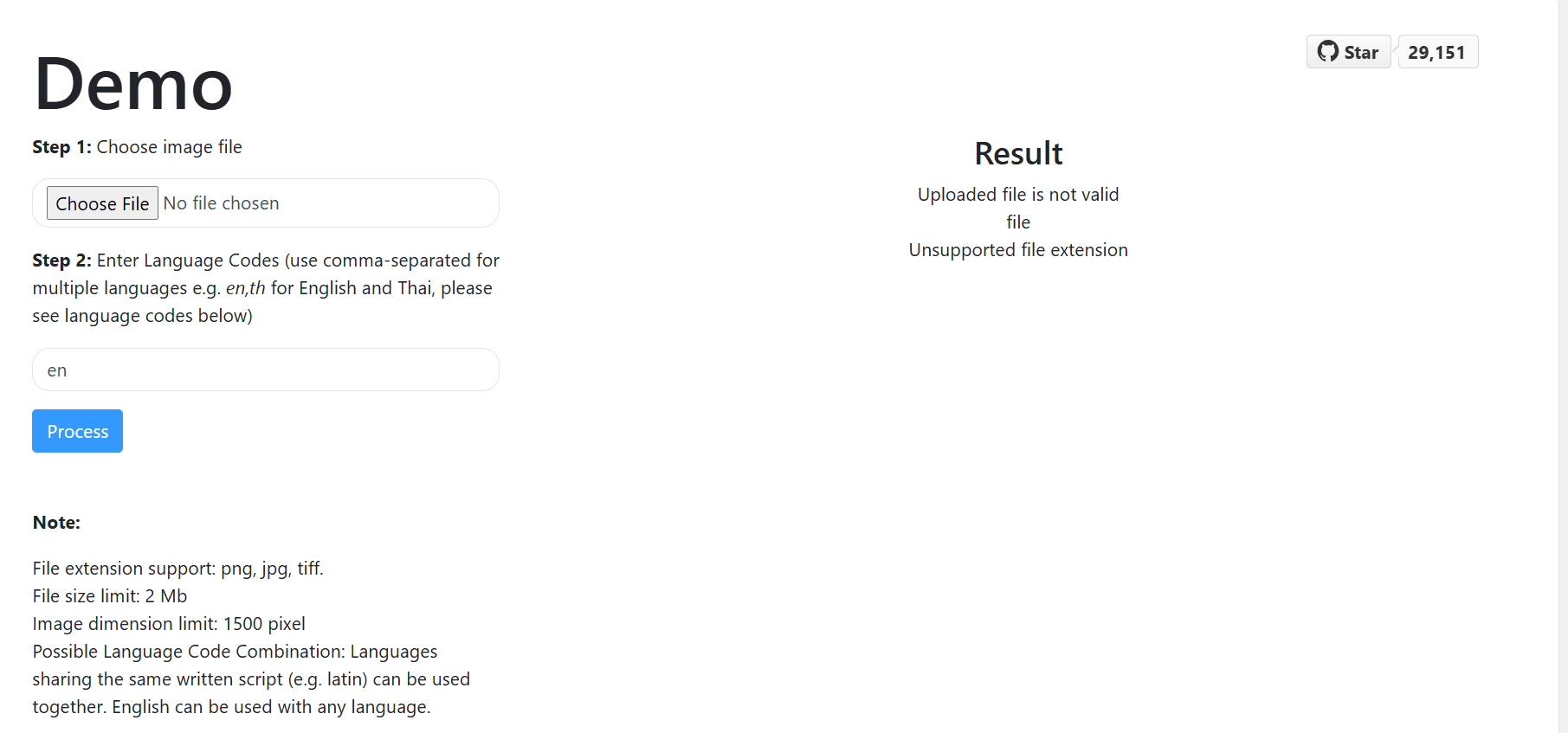
EasyOCR is free software, but it's slow on CPU. For production throughput, you need GPU instances. That means AWS p3 instances, Google Cloud GPUs, or self-hosted NVIDIA hardware. Plus the DevOps work to manage GPU infrastructure.
DocuPipe is a managed API. No GPU provisioning, no CUDA drivers, no infrastructure management. Our $99/mo Business tier includes compute - predictable and simple.
When you factor in GPU costs and DevOps time, EasyOCR's 'free' becomes expensive.
OCR vs extraction: the fundamental gap
EasyOCR is an OCR library. It reads text from images. That's valuable - but it's step one of document extraction. Step two is understanding what the text means. Which text is the invoice number? What are the line items? How do table cells relate to headers?
DocuPipe is an extraction API. It handles OCR, layout understanding, schema mapping, type validation, and confidence scoring. You get structured data, not raw text.
Using EasyOCR for document extraction is like using a car engine for transportation. It's a component, not a solution.
See it in action
Up to 20,000 free credits with an eligible work email. No credit card required.
Why EasyOCR exists: the Tesseract installation nightmare
EasyOCR was created because Tesseract is painful to install. Tesseract is a C++ library requiring system-level installation, environment variables, language pack management, and often compilation from source. EasyOCR is pure Python: pip install easyocr and you're done. No system dependencies, no PATH configuration, no build tools.
This is genuine value. For developers who need OCR in a Python project, EasyOCR removes hours of DevOps friction. The PyTorch backend handles model management automatically. It's the OCR library Python developers actually want to use.
But easier installation doesn't change the fundamental output. EasyOCR still returns flat text arrays, not structured data. The developer experience is better; the extraction problem remains the same. DocuPipe solves the extraction problem - structured JSON from any document, no parsing pipeline to build.
The GPU tradeoff: faster processing, higher costs
EasyOCR's PyTorch backend enables GPU acceleration - a significant advantage over CPU-only tools like Tesseract. On GPU, EasyOCR processes documents substantially faster. For batch processing, this matters.
But GPU acceleration comes with costs. Cloud GPU instances (AWS p3, Google Cloud GPUs) run $1-3/hour. You need CUDA drivers, GPU memory management, and infrastructure that can scale GPU resources. Many teams start with EasyOCR on CPU, find it too slow, add GPU, and then face unexpected infrastructure costs.
DocuPipe handles the infrastructure. Our managed API includes optimized compute - no GPU provisioning, no CUDA configuration, no scaling decisions. $99/mo Business tier, predictable and simple. Your team focuses on your product, not GPU infrastructure.
Confidence and verification: source highlighting vs nothing
EasyOCR returns character-level confidence scores. Useful for OCR quality, but not for extraction validation. Did the model correctly map text to your 'invoice_total' field? EasyOCR can't tell you - it doesn't know what fields are.
DocuPipe returns field-level confidence. Each extracted value has a confidence score. Low-confidence extractions are flagged for review. Your ops team clicks the source highlighting to verify source locations.
For production systems where data quality matters, DocuPipe's confidence handling prevents silent failures.
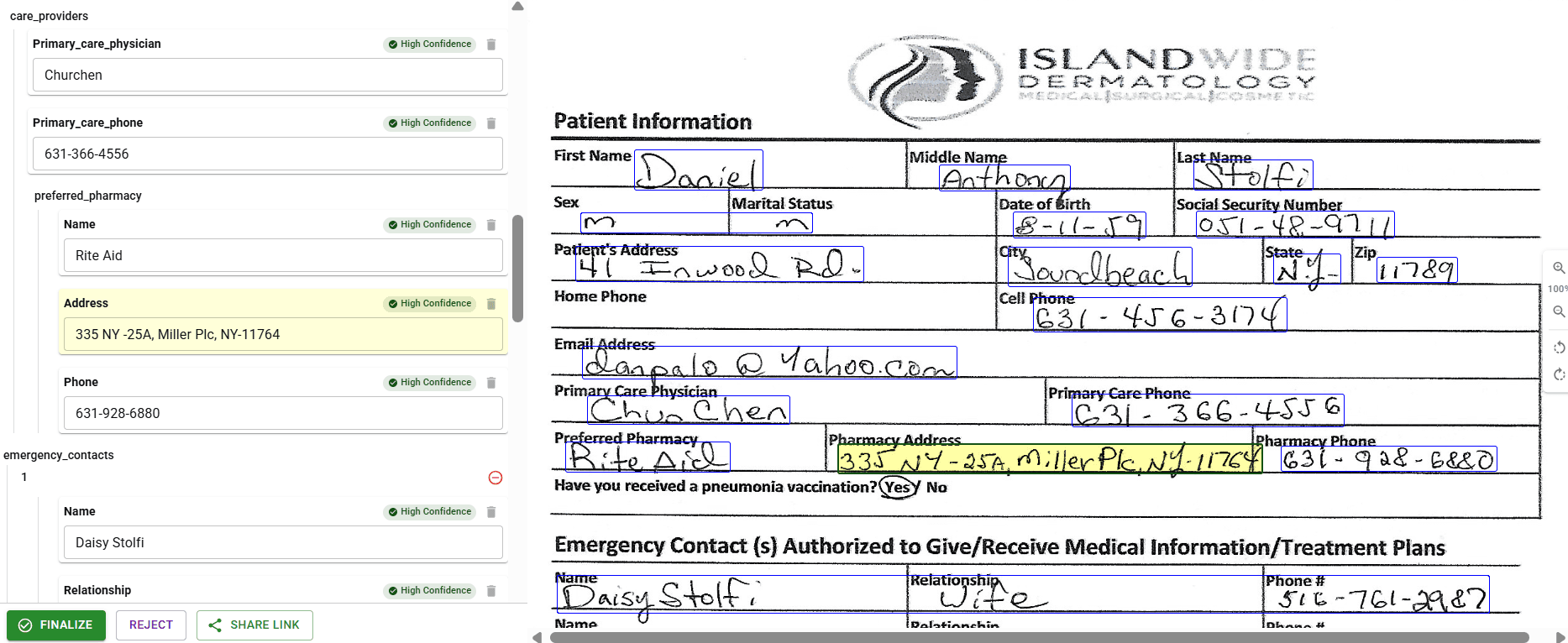
EasyOCR vs DocuPipe: OCR library vs extraction API
Choose EasyOCR if you need a Python OCR library for a research project, you have GPU infrastructure and engineering time, and you're building custom extraction logic anyway.
Choose DocuPipe if you need structured data extraction for production, you want a managed API without GPU costs, and you'd rather define schemas than build parsing pipelines.
EasyOCR is a tool. DocuPipe is a solution.
Handwriting: where EasyOCR falls short
EasyOCR has limited handwriting support - it works on clean, well-formed handwritten text in supported scripts. But real-world handwriting is messy. Doctor's notes, hurried signatures, form fields filled in with varying quality - EasyOCR struggles with the documents that matter most.
In an independent review, The Digital Merchant tested DocuPipe on a doctor's handwritten prescription - described as 'notoriously illegible' - and reported being 'impressed with the accuracy of the output.' A G2 reviewer processing thousands of handwritten forms reported 98% reliability on handwriting transcription, even with poor handwriting and bubble answers.
DocuPipe's handwriting recognition was built for production documents, not lab conditions. For medical forms, signed contracts, and field-filled applications, this difference is critical. DocuPipe maintains a 4.9/5 rating on G2 - with Accuracy as a top review theme.
Which should you choose?
Choose DocuPipe if...
You need structured JSON, not flat text arrays
Your documents have borderless tables or complex layouts
You don't want to manage GPU infrastructure
You want built-in confidence scoring and review
You need production-ready extraction, not an OCR library
Choose EasyOCR if...
You need a Python OCR library to integrate into a larger system
You have GPU infrastructure ready
You're building custom extraction logic and need raw OCR
You prefer open-source tools and have engineering capacity to build on top
Skip the setup headaches
Start extracting documents in minutes, not weeks.
Frequently asked questions
For setup, yes. pip install and import. But the output is the same: flat text arrays and bounding boxes. You still build table reconstruction, JSON mapping, and validation yourself. DocuPipe is easier end-to-end - structured JSON from the start.
EasyOCR reads text and positions. It doesn't understand document structure. Without visible table borders, it can't detect table relationships. DocuPipe's layout preprocessing understands table structure with or without borders.
For production throughput, yes. EasyOCR on CPU is slow. GPU instances add significant cost and DevOps complexity. DocuPipe is a managed API - no GPU infrastructure required.
EasyOCR outputs a list of (text, bounding_box, confidence) tuples. DocuPipe outputs structured JSON matching your schema - {invoice_total: 500, vendor_name: 'Acme'} - with field-level confidence and source coordinates.
EasyOCR struggles with skewed and rotated images. Accuracy drops significantly on phone photos. DocuPipe handles skewed documents natively - automatic correction before extraction.
EasyOCR supports 80+ languages, which is good. DocuPipe supports 100+ languages with handwriting recognition for 13 major languages. Both handle multilingual documents.


The best way to compare? Try it yourself.
Up to 20,000 free credits with an eligible work email. No credit card required.