
8 min read
DocuPipe vs Google Document AI: Which is best for your team? [2026]

Published January 23, 2026
Looking for the best Google Document AI alternative? DocuPipe vs Document AI comes down to this: DocuPipe works on your first upload. Google Document AI requires training. Their pre-built processors (Invoice, W2, ID) extract fixed fields that may not match YOUR schema. Need custom fields? Their Custom Document Extractor requires 50-100 manually labeled documents before extraction works. That's weeks of labeling before you see results. Plus you're locked into the GCP ecosystem - Cloud Storage, IAM, the whole stack. If you have time to label training data and want to stay in Google Cloud, Document AI works. But if you want your custom schema working today, DocuPipe is what you need.
TL;DR
According to Google's documentation, Document AI's Custom Extractor requires 50-100 labeled documents before extraction works. DocuPipe extracts your custom schema on the first upload. No training data, no GCP lock-in.
Table of Contents
- DocuPipe vs Google Document AI at a glance
- Google Document AI alternative: DocuPipe works on first upload, no training required
- Custom schemas: DocuPipe's flexibility vs Document AI's rigid training
- Pre-built processors: Google's fields vs your fields
- GCP ecosystem lock-in vs DocuPipe's flexibility
- Human review: DocuPipe's built-in UI vs Document AI's HITL setup
- Google Document AI pricing vs DocuPipe: complex per-processor vs simple credits
- Which should you choose?
- FAQ
DocuPipe vs Google Document AI at a glance
| DocuPipe | Google Document AI | |
|---|---|---|
| Best for | Teams that need custom fields today | Teams with time to label 50-100 training docs |
| Time to first extraction | Minutes (define schema, upload doc) | Days to weeks (label training data first) |
| Custom schema support | Zero-shot. Define fields, works immediately. | Requires 50-100 labeled documents for CDE |
| Pre-built processors | Any schema, any document type | Fixed fields only (Invoice, W2, etc.) |
| Output format | Your schema, your field names | Google's predefined entity types |
| Human review | Built-in UI with source highlighting | Human-in-the-Loop requires separate setup |
| Cloud dependency | Cloud or on-premise, no lock-in | GCP ecosystem required |
| Compliance | HIPAA, ISO 27001 | GCP compliance (you configure it) |
| Pricing | Predictable credit system, $99/mo Business tier | Per-processor pricing + GCP infrastructure costs |
Ready to see the difference?
Get up to 20,000 free credits with an eligible work email. No credit card required.
Google Document AI alternative: DocuPipe works on first upload, no training required
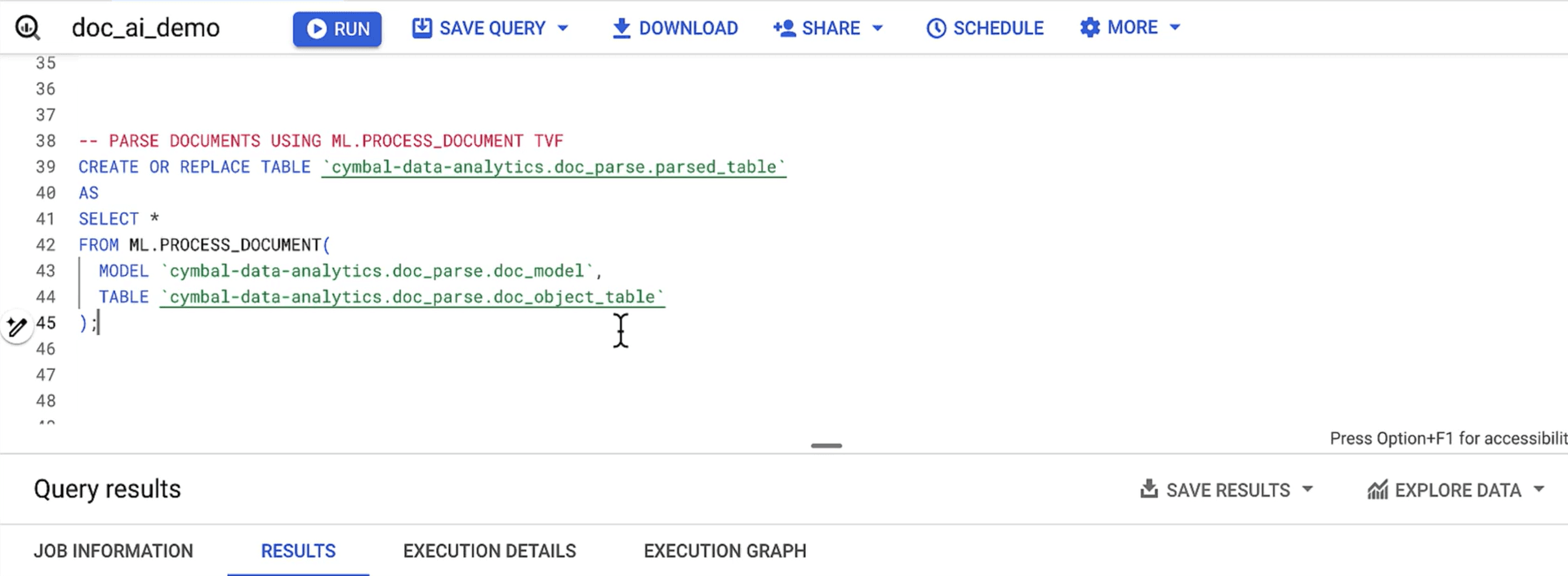
The fundamental difference between DocuPipe and Google Document AI is simple: DocuPipe works immediately. Google Doc AI offers OCR features, but accuracy decreases on poor-quality scans or non-standard layouts. It's not suitable for complex document types or mission-critical accuracy requirements where you need consistent results across every document.
Google Document AI has a fragmentation problem. Dozens of different parsers, limited customization for specific document types, no native workflow orchestration, no human-in-the-loop features, and no agentic optimization or automated schema tuning. You're getting basic extraction, not a document processing system.
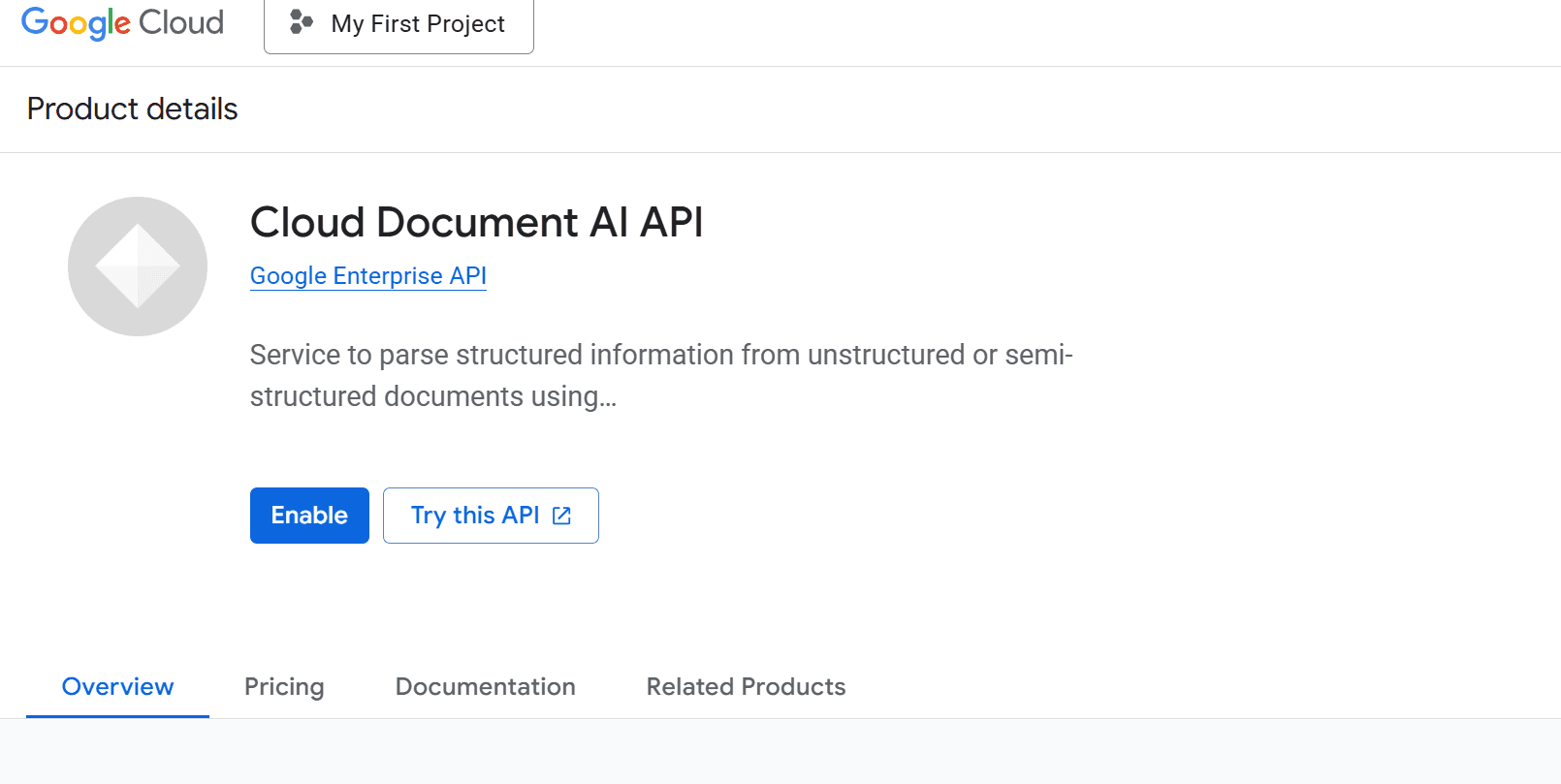
If Google's predefined fields don't match what YOUR business needs, you're looking at their Custom Document Extractor. And that requires 50-100 manually labeled documents before it works at all. That's weeks of preparation before you extract a single document. For teams evaluating Google Document AI alternatives, DocuPipe's zero-shot extraction means you ship in days, not months.
Custom schemas: DocuPipe's flexibility vs Document AI's rigid training
Need to add a field to your extraction schema? With DocuPipe, you update your schema in the dashboard and the new field works immediately on your next document. Change 'total_amount' to 'grand_total'? Done. Add 'discount_percentage'? It extracts right away. Your schema evolves with your business.
Google Document AI's Custom Document Extractor doesn't work that way. Adding or changing fields means relabeling your training documents and retraining the model. That's not a quick edit - it's starting the 50-100 document labeling process over again. For fast-moving teams, this rigidity becomes a serious bottleneck.
DocuPipe's intelligent document processing is built for iteration. Test different field structures, adjust to new document variations, refine your schema based on real results - all without touching training data that doesn't exist. This flexibility is why teams looking for Document AI alternatives choose DocuPipe.
Pre-built processors: Google's fields vs your fields
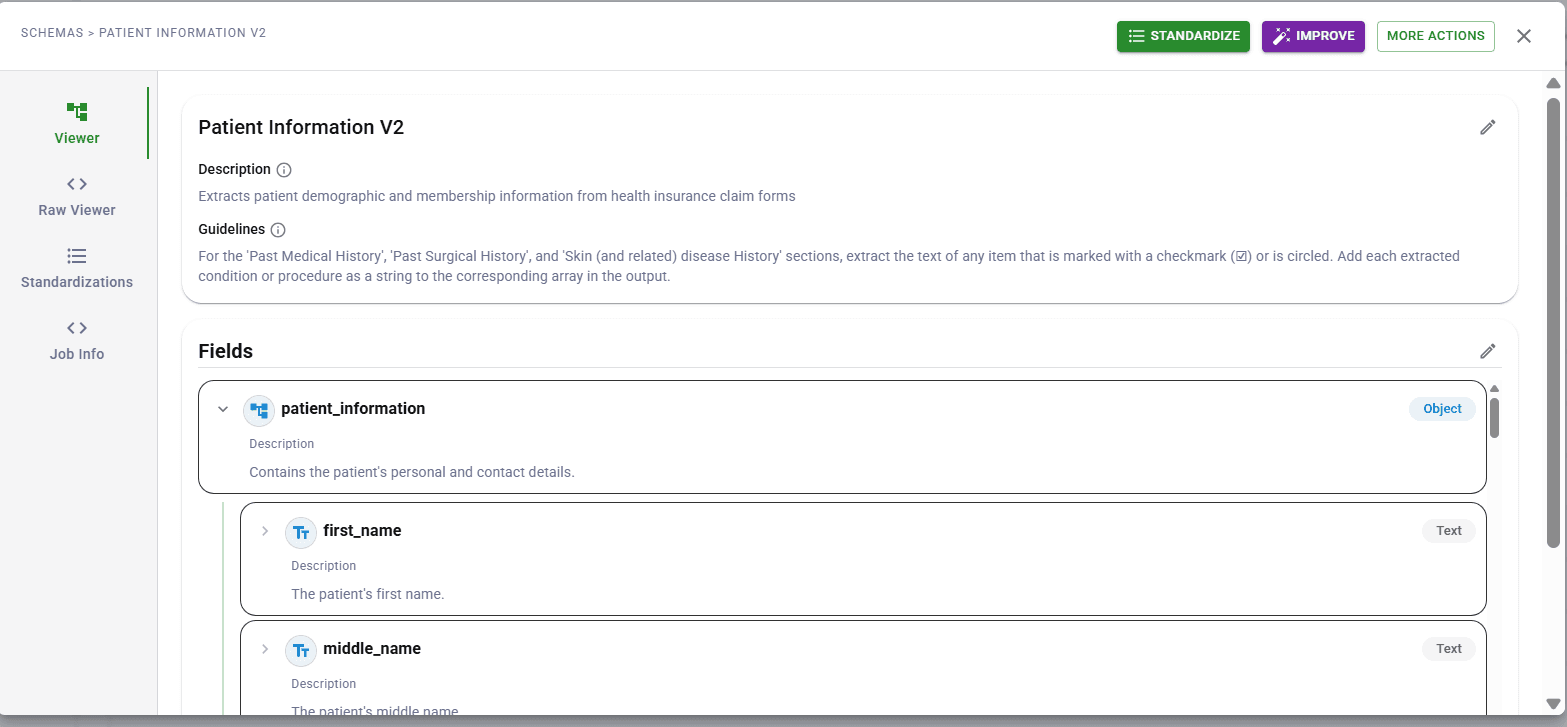
Google Document AI's pre-built processors look attractive at first. Invoice Parser, Expense Parser, W2 Parser - they work without training. But they extract Google's predefined fields, not yours. Need 'internal_reference_code' from your invoices? It's not in their schema. Want 'department_allocation' parsed from expense reports? Not available.
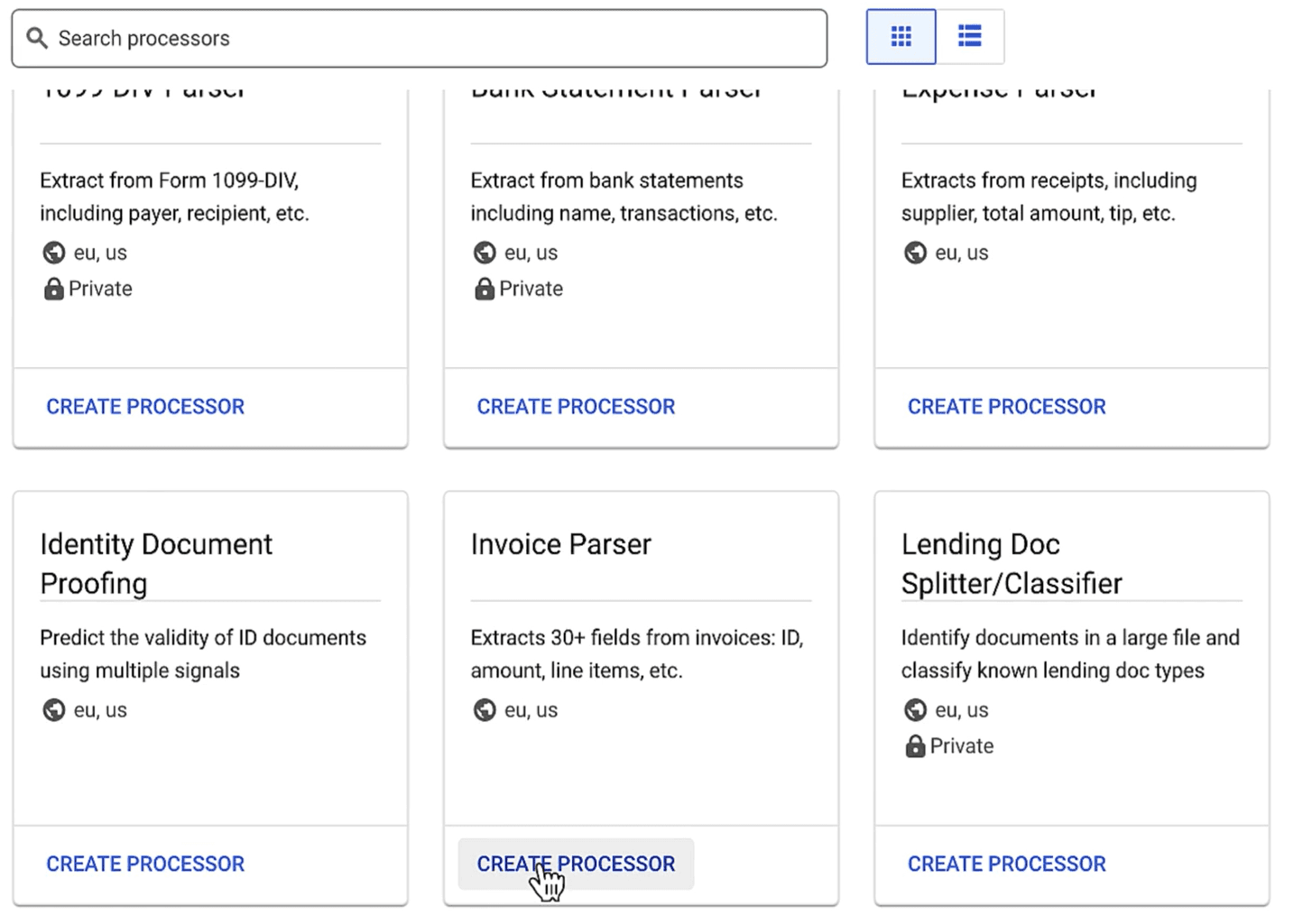
DocuPipe doesn't limit you to predefined fields. Define exactly what you need - whether it's standard fields like 'invoice_number' or custom fields specific to your industry and workflow. Insurance claims, medical records, legal contracts - your schema, your field names, structured exactly how your downstream systems expect.
For teams whose documents don't fit neatly into Google's templates, DocuPipe's flexible schema approach is the answer. Extract the specific data your business needs, not the generic fields a cloud provider decided were 'standard'.
GCP ecosystem lock-in vs DocuPipe's flexibility
Choosing Google Document AI means choosing the GCP ecosystem. Your documents go through Cloud Storage. Processing runs on Google's infrastructure. Billing ties into your GCP account. For teams already deep in Google Cloud, this might be fine. For everyone else, it's vendor lock-in.
DocuPipe works independently of any cloud provider. Use our cloud service, or deploy on-premise for maximum control. Store documents wherever you want. Integrate with any system. No forced adoption of an entire cloud ecosystem just to extract documents.
This matters especially for enterprises with multi-cloud strategies or strict data governance requirements. DocuPipe's on-premise deployment keeps your entire document extraction pipeline under your control - something that's simply not possible with Google Document AI's cloud-only model.
See it in action
Up to 20,000 free credits with an eligible work email. No credit card required.
Human review: DocuPipe's built-in UI vs Document AI's HITL setup
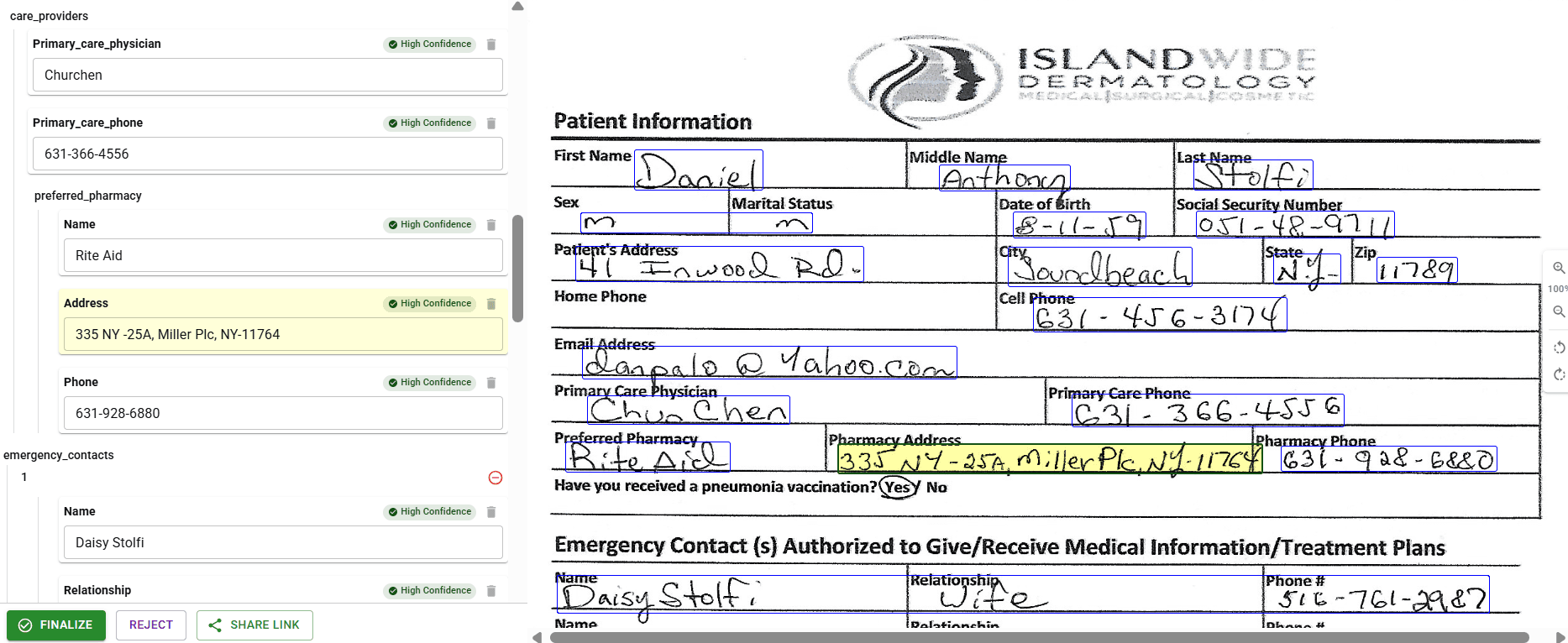
DocuPipe ships with visual review built in. Click any extracted field and see exactly where it came from on the source document, highlighted with our source highlighting interface. Your operations team can verify and correct extractions immediately - no technical setup required.
Google Document AI offers Human-in-the-Loop (HITL) capabilities, but it requires separate configuration. You set up a labeling task, configure review workflows, and manage the integration between Document AI and your review process. It works, but it's another layer of setup and management.
For teams that need extraction verification - especially in regulated industries like healthcare, finance, and insurance - DocuPipe's integrated review experience saves weeks of integration work. Review is part of the product, not an add-on you configure yourself.
Google Document AI pricing vs DocuPipe: complex per-processor vs simple credits
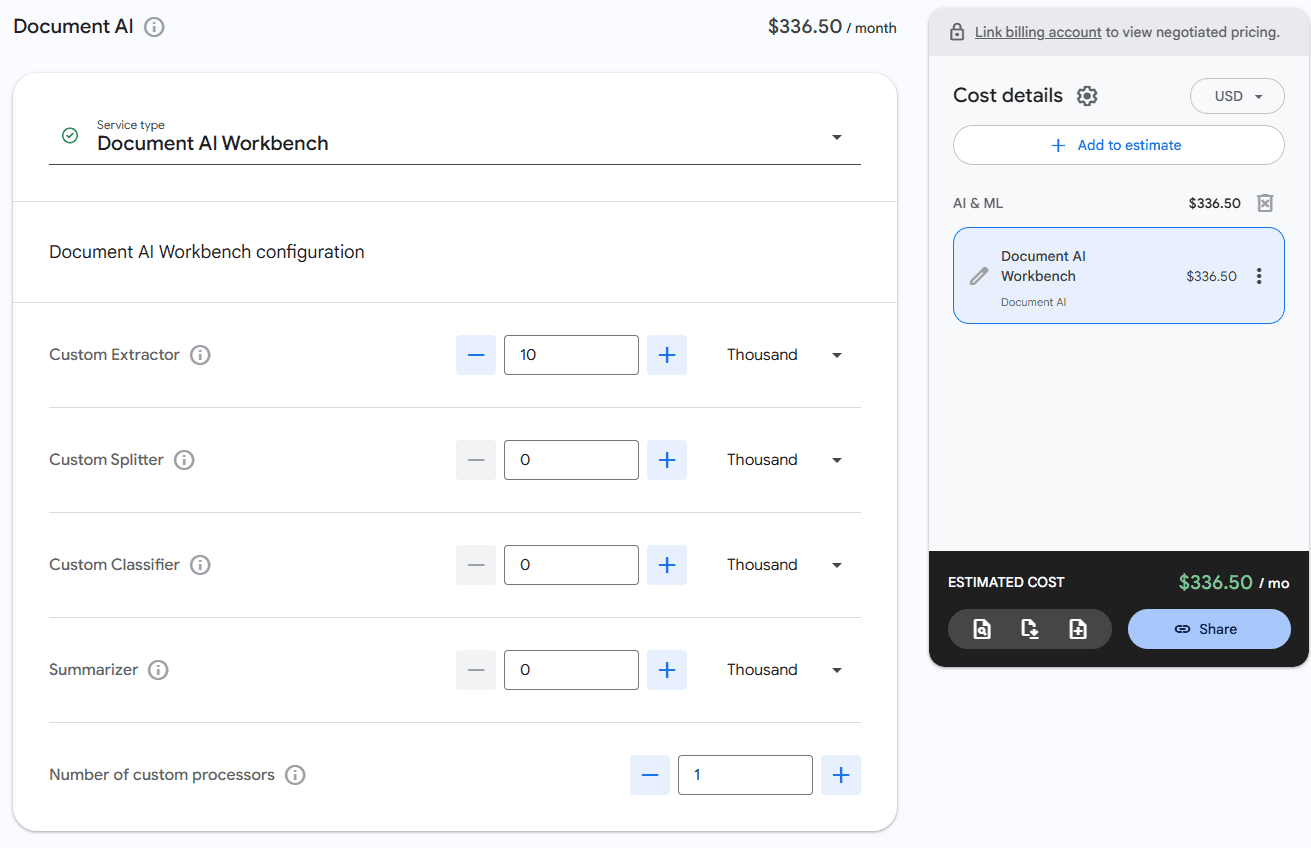
Google Document AI pricing varies by processor type. Form Parser, Invoice Parser, Custom Document Extractor - each has different per-page rates. Add in Cloud Storage costs, API calls, and the engineering time to label 50-100 training documents, and the total cost becomes hard to predict.
DocuPipe uses a straightforward credit-based pricing model. Our Business tier starts at $99/month with included credits. No per-processor variations. No separate infrastructure costs. No hidden fees for features that should be standard. Extraction, review, standardization - all included.
For teams budgeting their document processing costs, DocuPipe's predictable pricing eliminates surprises. You know exactly what you're paying, and you're not paying extra for the privilege of training your own models with your own labeled data.
Which should you choose?
Choose DocuPipe if...
You need custom fields working today, not after weeks of labeling
You want zero-shot extraction without training data
You need schema flexibility - add or change fields instantly
You don't want to be locked into the GCP ecosystem
You want built-in review with source highlighting
You prefer predictable credit-based pricing
You need on-premise deployment for data residency
Choose Google Document AI if...
Google's pre-built processor fields match your exact needs
You have time to label 50-100 documents for custom extraction
You're already deeply committed to the GCP ecosystem
You don't need to change your schema often
Cloud-only processing works for your compliance requirements
Skip the setup headaches
Start extracting documents in minutes, not weeks.
Frequently asked questions
Google Document AI's Custom Document Extractor uses a traditional machine learning approach that requires labeled examples to learn your fields. You must manually annotate 50-100 documents before extraction works. DocuPipe uses zero-shot extraction - define your schema and it works immediately on any document, no training data required. This is the core reason teams look for Google Document AI alternatives.
Yes, pre-built processors like Invoice Parser and W2 Parser work without training. But they extract Google's predefined fields - not your custom fields. If you need fields that aren't in their schema, you're back to the Custom Document Extractor and its 50-100 document training requirement. DocuPipe lets you define any fields and extract immediately.
DocuPipe uses advanced AI models that understand document structure and context without needing examples. Define your schema in our dashboard - field names, types, descriptions - and our intelligent document processing extracts those fields immediately. No labeled data, no training time, no waiting.
Document AI targets teams whose extraction needs match Google's pre-built processor fields exactly, who are already committed to the GCP ecosystem, and who have weeks to label 50-100 documents for any custom needs. That's a narrow set of requirements. For teams that need custom schemas working today - which is most document processing projects - DocuPipe is the better choice.
Most teams migrate from Google Document AI to DocuPipe in a day. Define your schema in our dashboard, swap API calls, and you're extracting documents. The irony? You'll be up and running with DocuPipe faster than you could label training data for Document AI's Custom Extractor.
Yes. DocuPipe integrates with any infrastructure, including GCP. Store documents in Cloud Storage, trigger workflows with Cloud Functions, use BigQuery for analytics. You keep your Google Cloud stack - you just use DocuPipe for document extraction instead of fighting with Document AI's training requirements.
With Document AI's Custom Document Extractor, schema changes require relabeling your training documents and retraining the model. That's the 50-100 document process again. With DocuPipe, update your schema in the dashboard and the changes work immediately on your next extraction. No retraining, no waiting.
Yes. DocuPipe is ISO 27001 compliant. We sign BAAs for healthcare customers processing PHI. For organizations with the strictest requirements, our on-premise deployment keeps documents entirely within your infrastructure - something Google Document AI's cloud-only model can't offer.
Google Document AI charges per-page rates that vary by processor type, plus GCP infrastructure costs. DocuPipe uses simple credit-based pricing starting at $99/month for our Business tier. All features included - extraction, review, standardization. No complex per-processor calculations, no surprise infrastructure bills.
For teams that need custom schemas without training, DocuPipe is the best Document AI alternative. Zero-shot extraction works immediately, you define any fields you need, and there's no GCP lock-in. Built-in review, predictable pricing, and on-premise options available. If you're tired of labeling training data before extracting documents, DocuPipe is built for you.



The best way to compare? Try it yourself.
Up to 20,000 free credits with an eligible work email. No credit card required.