
Match purchase orders to vendor invoices
The hard part of matching isn't the comparison, it's getting clean data out of POs and invoices that every vendor formats differently. DocuPipe extracts PO numbers, line items, quantities, and totals into the same structured fields, so your ERP or AP system can run the match automatically.
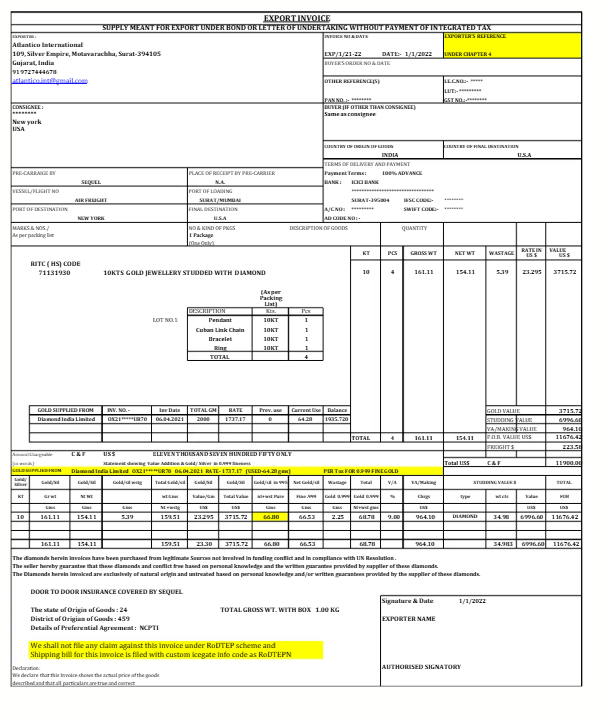
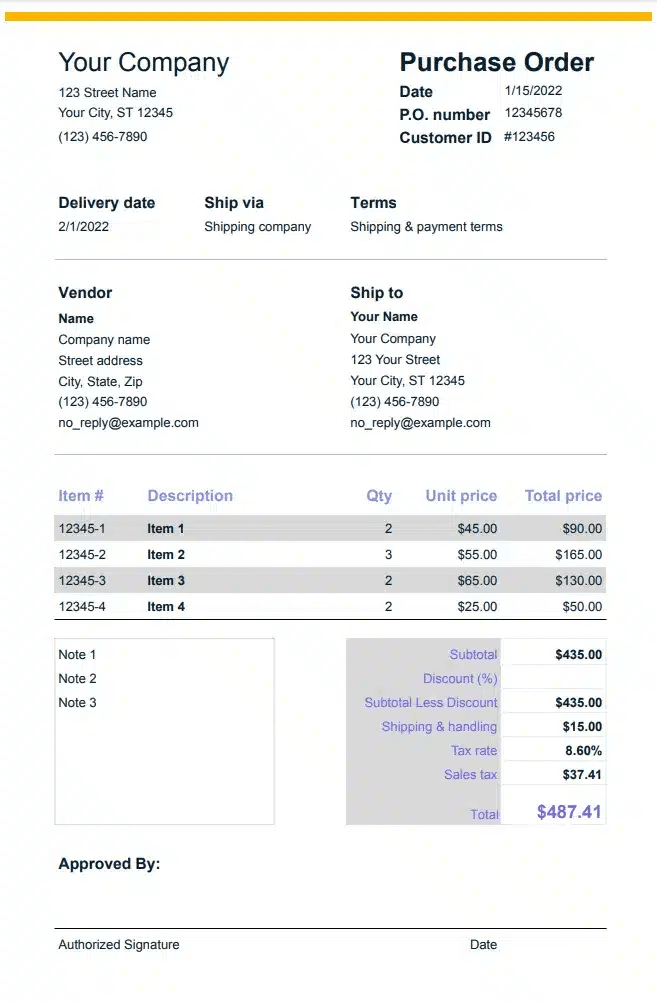
MATCHED ON PO NUMBER
The problem
Why this is hard to automate
Every vendor formats POs and invoices differently
Before you can match anything, someone has to read each PO and invoice and key the PO number, line items, quantities, and totals by hand, because the data is trapped in PDFs that look different for every supplier.
Manual three-way matching doesn't scale
Comparing a purchase order, an invoice, and a goods-receipt line by line is slow and error-prone at volume. The bottleneck is the data entry that has to happen before the comparison can run at all.
How it works
Clean, match-ready data from both sides
DocuPipe doesn't replace your matching logic, it feeds it. You define the fields you match on once, and DocuPipe pulls them from purchase orders and invoices alike into one consistent structure your ERP or AP system can compare.
Define your match fields once
PO number, vendor, line items, quantities, unit prices, totals. One schema describes the fields you match on, and it applies to both purchase orders and invoices.
Upload POs and invoices in any format
Drop in documents from any vendor, including mixed-page batches. DocuPipe splits batches into individual documents and extracts each one, no per-vendor setup.
Send structured records to your system
Get structured JSON or CSV keyed by PO number, ready to load into your ERP or AP system so it can run the two-way or three-way match automatically.
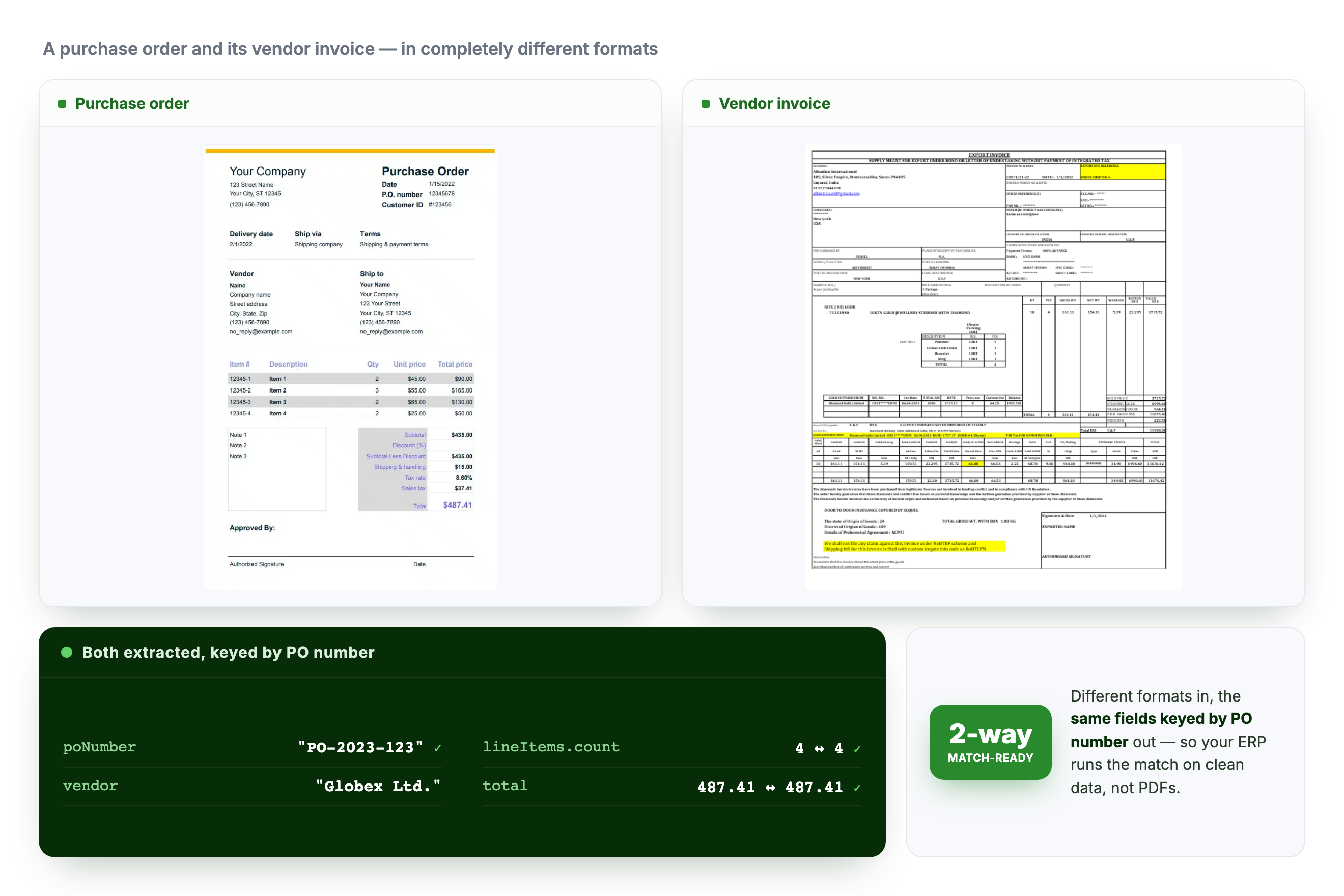
A PO and its vendor invoice, in different formats, extracted into the same fields keyed by PO number.
Document types
Documents we structure for matching

Purchase orders
PO number, vendor, line items, quantities, unit prices, and totals from any purchase order format.

Vendor invoices
Invoice number, referenced PO number, line items, and totals, mapped to the same fields as the matching PO.

Goods receipts
Received quantities and item details for the third leg of a three-way match.

Bills of lading & shipping docs
Quantities, item descriptions, and references from shipping paperwork tied to the order.

Remittance advices
Payment references and invoice numbers to tie payments back to the matched invoices.

Order confirmations
Vendor acknowledgments of the order, matched against the PO and invoice to confirm agreed quantities and prices.
Why DocuPipe
Built for speed, scale, and accuracy
per-vendor templates to build, even when every supplier formats POs and invoices differently
field-level accuracy on printed POs and invoices, verifiable with human review
mixed-page batches split into individual documents, so a stack of POs and invoices sorts itself
from upload to structured, match-ready records per document
Live Demo
See it in action
Try one of our sample documents or upload your own
Sample Document
bill-of-lading.pdf
PDF FILE
export-invoice.png
PNG FILE
purchase-order-1.jpeg
JPEG FILE
purchase-order-2.png
PNG FILE
purchase-order-3.pdf
PDF FILE
Upload your own
Drag a document to the drop zone to get structured results.
Drop document here
Drag a sample from the left or upload your own to see how we standardize it.
Who this is for
Teams that put this on autopilot
Accounts payable teams
Stop keying POs and invoices by hand before you can match them. Get clean, match-ready data from every vendor into your AP workflow.
ERP and procurement teams
Feed your existing matching logic structured records instead of PDFs, so the match runs on data your system can actually compare.
Finance automation builders
Embed extraction that turns any vendor's POs and invoices into one schema, so your matching product works regardless of document format.
Security & compliance
Enterprise-grade security you can trust

ISO 27001
ISO 27001 certification is part of our security program.

GDPR
Paid teams can select Europe as their storage region for new uploads.
Frequently asked questions
DocuPipe does the part that's usually the bottleneck: it extracts PO numbers, line items, quantities, and totals from both documents into one consistent structure. The matching itself runs in your ERP or AP system on that clean data. In other words, DocuPipe feeds your match rather than replacing your matching logic.
No. DocuPipe reads documents for meaning rather than fixed positions, so one schema extracts the same fields across every vendor's PO and invoice layout, including formats you've never processed before.
Yes. DocuPipe automatically splits mixed-page PDFs into individual documents and extracts each one, so a stack of interleaved POs, invoices, and receipts becomes separate structured records without manual sorting.
Anything you define in your schema: PO number, invoice number, vendor, line item descriptions, quantities, unit prices, subtotals, taxes, and totals. You choose the fields your match depends on, and DocuPipe extracts them from both POs and invoices.
DocuPipe returns structured JSON or CSV, and exposes the same data via API and webhooks, so you can load match-ready records directly into your ERP, AP automation, or accounting system.
Get up to 20k free credits by signing up