
5 min read
DocuPipe vs Mistral OCR: Which is best for your team? [2026]

Published March 24, 2026
Looking for the best Mistral OCR alternative? Mistral OCR offers competitive parsing at $1/1K pages. But it's a parsing endpoint, not production infrastructure. No classification, no splitting, no review UI, no webhooks. Users have reported it can hallucinate on handwriting and degraded scans. DocuPipe is a complete pipeline: upload documents, get validated JSON, fire webhooks. Full infrastructure for production document processing.
TL;DR
Mistral OCR is a parsing endpoint. DocuPipe is a full IDP pipeline with classification, splitting, schema enforcement, webhooks, and human review UI. No orchestration required.
Table of Contents
- DocuPipe vs Mistral OCR at a glance
- Mistral OCR alternative: an endpoint vs a pipeline
- The hallucination problem: handwriting and degraded scans
- What Mistral OCR doesn't have
- The true cost: $1/1K pages + engineering
- Who actually uses Mistral OCR
- Anti-hallucination: source highlighting verification
- Which should you choose?
- FAQ
DocuPipe vs Mistral OCR at a glance
| DocuPipe | Mistral OCR | |
|---|---|---|
| What it is | Full IDP pipeline | Parsing endpoint only |
| Document classification | Auto-route to correct schema | Not available |
| Document splitting | Intelligent boundary detection | Not available |
| Human review UI | Built-in source highlighting | Not available |
| Webhooks | Svix-powered notifications | Not available |
| Handwriting | 100+ languages, reliable | Can hallucinate on difficult samples |
| Table handling | Structured extraction | Markdown tables |
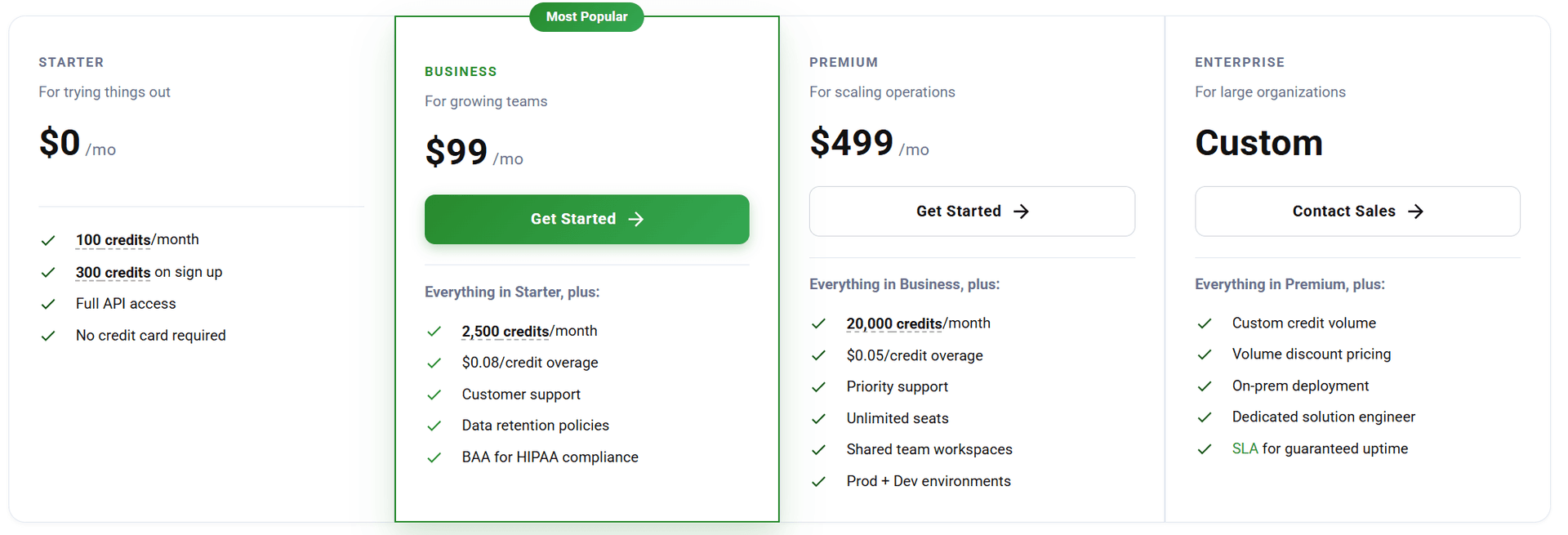
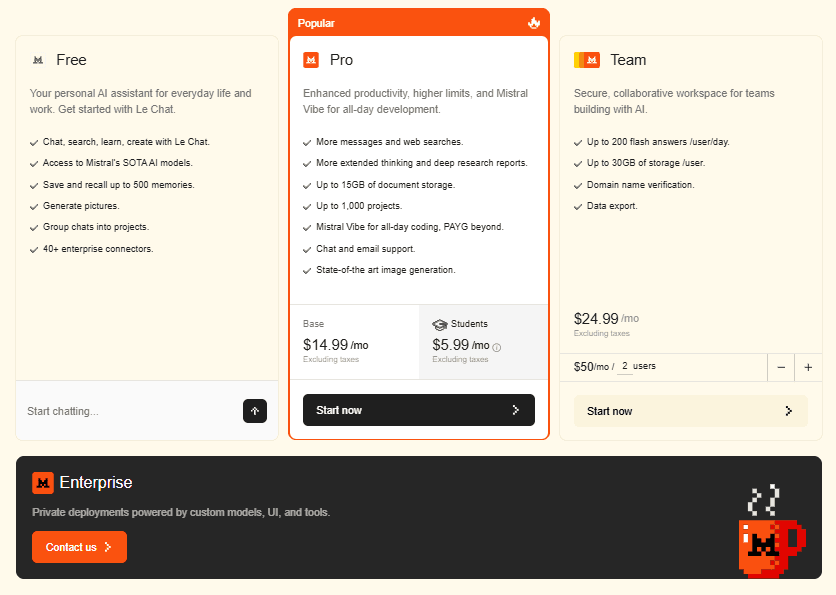
| Pricing | $99/mo Business tier | $1/1K pages (but build everything else) |
Ready to see the difference?
Get up to 20,000 free credits with an eligible work email. No credit card required.
Mistral OCR alternative: an endpoint vs a pipeline
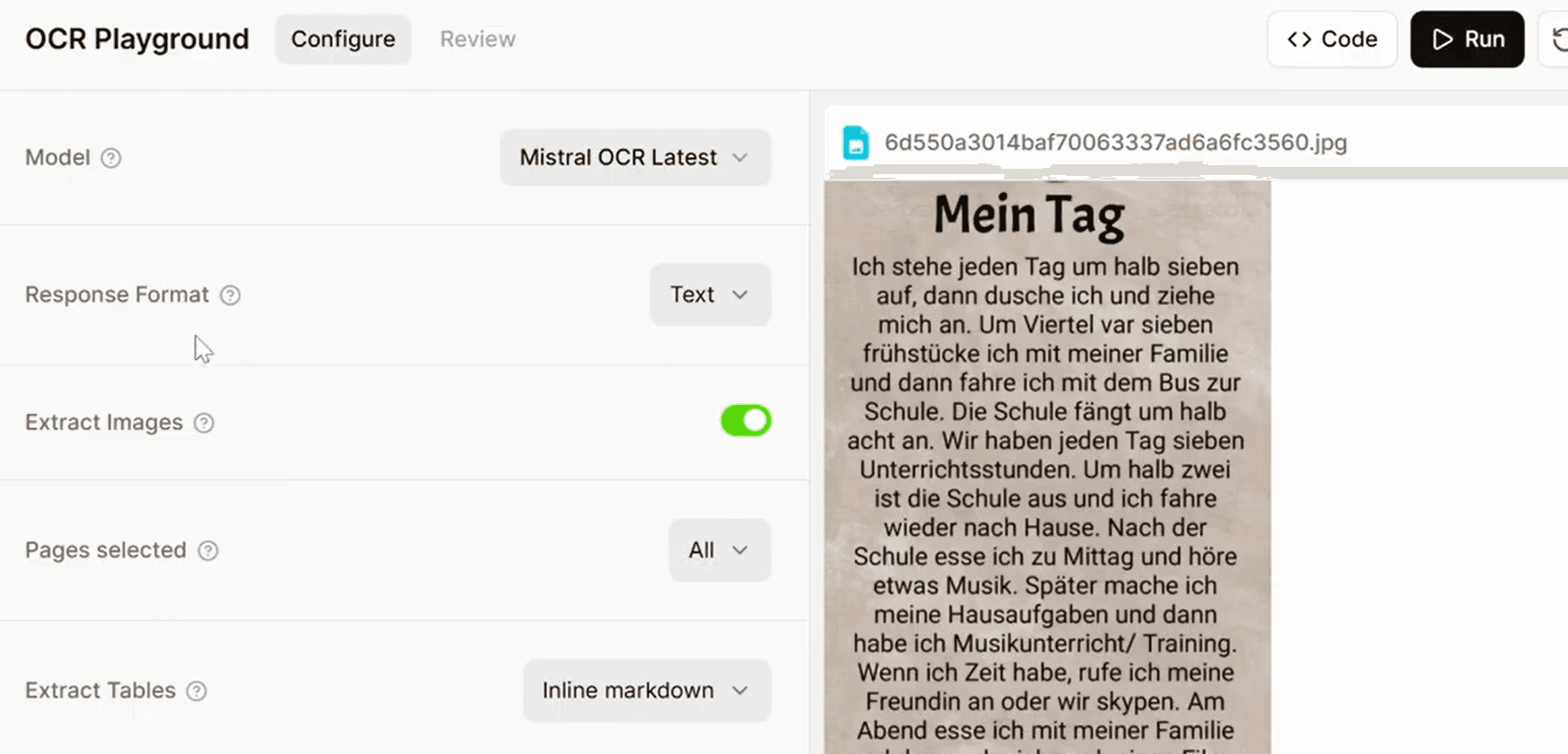
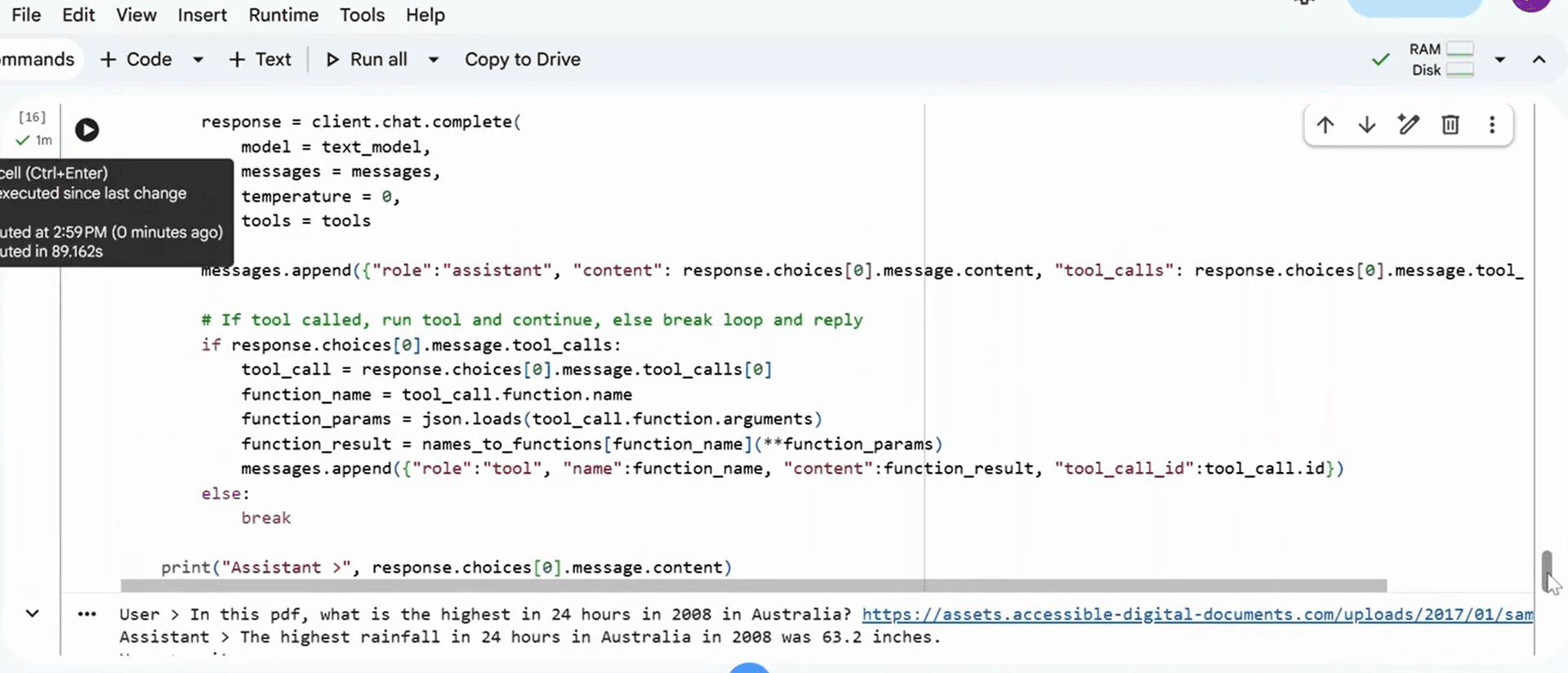
Mistral OCR is a parsing endpoint. You send a document, you get text back (Markdown by default, JSON if you pass a schema). That's it. Everything else - routing documents to the right schema, splitting multi-doc PDFs, reviewing extractions, notifying your systems - you build yourself.
DocuPipe is a production pipeline. Upload documents and they're automatically classified, split at document boundaries, extracted against the correct schema, and your systems get notified via webhooks. The infrastructure that Mistral forces you to build? We built it.
At $1/1K pages, Mistral OCR looks cheap. Add the engineering time to build classification, splitting, review, and webhooks - suddenly the 'savings' disappear.
The hallucination problem: handwriting and degraded scans
Mistral OCR is fast, but it lacks built-in data validation. On degraded scans, it silently guesses missing text rather than throwing an error or flagging low confidence. Your pipeline has no idea the data is fabricated.
The complaints appeared quickly after launch: it hallucinates on handwriting, guessing values instead of flagging uncertainty. When faced with difficult-to-read text, Mistral OCR may fabricate content rather than indicate low confidence.
DocuPipe's approach is the opposite. Uncertain extractions get confidence scores. Low-quality regions get flagged for review. You know when data is reliable and when it needs verification. Production systems need validation, not silent guessing.
What Mistral OCR doesn't have
No document classification. If you receive mixed document types, you write the routing logic. No document splitting. A 100-page PDF that's actually 10 documents? You handle that. No human review UI. Low-confidence extractions need verification? Build your own interface. No webhooks. Need to notify your systems? Implement your own notification layer.
These aren't nice-to-haves - they're production requirements. Every team processing documents at scale needs them. Mistral gives you parsing; you build everything else.
DocuPipe includes all of these. One platform, complete infrastructure.
The true cost: $1/1K pages + engineering
Mistral OCR's $1/1K pages pricing is attractive. But that's just the parsing cost. You still need: classification logic (which schema for which document), splitting logic (where documents begin and end), a review interface (for low-confidence extractions), webhook infrastructure (to notify downstream systems), confidence handling (to flag uncertain extractions).
Building this infrastructure takes weeks of engineering. Maintaining it takes ongoing effort. The total cost - engineering time plus Mistral parsing - often exceeds a complete solution like DocuPipe.
Cheap endpoints aren't cheap when you factor in what you build around them.
See it in action
Up to 20,000 free credits with an eligible work email. No credit card required.
Who actually uses Mistral OCR
Mistral OCR targets a very narrow audience: hardcore AI engineers building custom pipelines from scratch who already have classification, splitting, and review infrastructure in place. If you're optimizing for $1/1K pages and willing to build everything else yourself, Mistral exists for that.
For most teams shipping products, this tradeoff doesn't work. You want document extraction that works out of the box - not a parsing endpoint that requires weeks of infrastructure building before you can process your first document.
DocuPipe is for teams that want to extract documents, not build document extraction infrastructure.
Anti-hallucination: source highlighting verification
Mistral OCR hallucinates and doesn't tell you. There's no built-in confidence thresholding, no review interface, no way for your ops team to verify extractions without custom tooling.
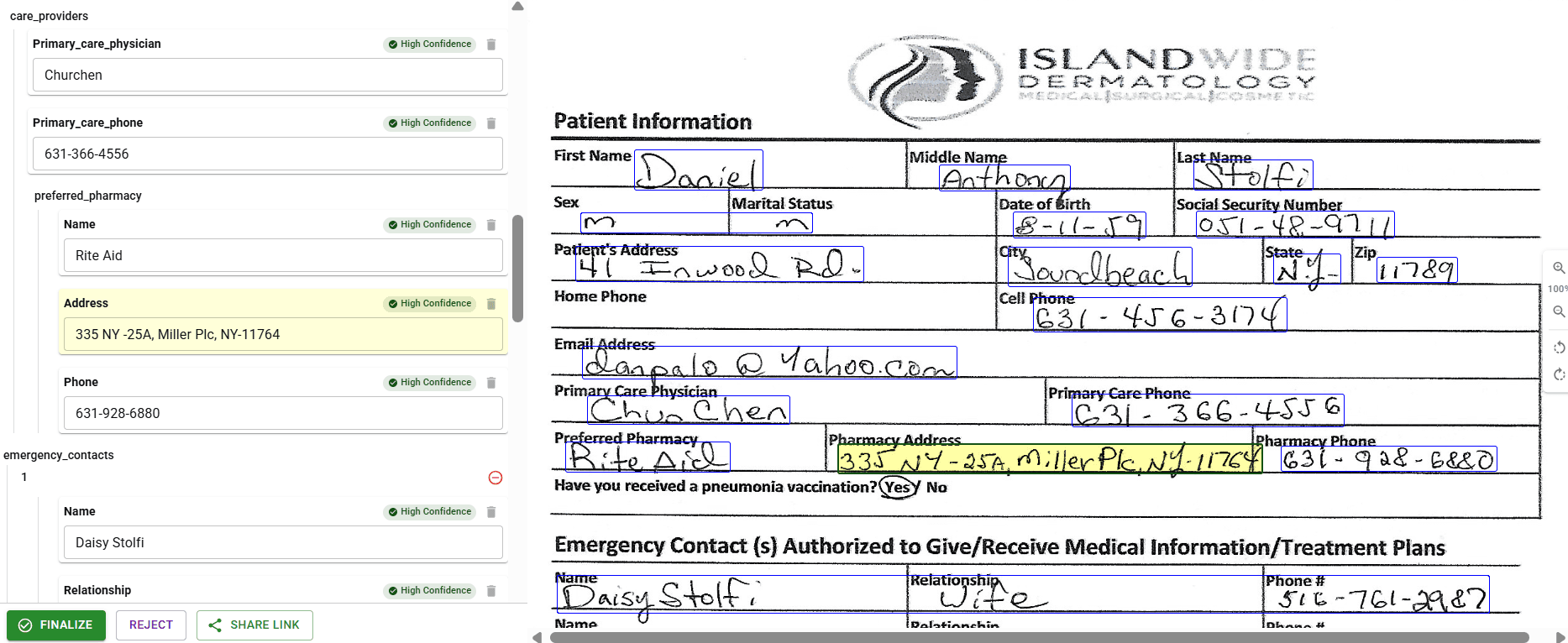
DocuPipe's source highlighting lets anyone verify extractions instantly. Click a field, see exactly where it came from on the source document. Low-confidence extractions are flagged automatically. Your team catches errors before they corrupt your data.
When AI makes mistakes - and it will - you need a way to catch them. Mistral leaves that to you. DocuPipe builds it in.
Which should you choose?
Choose DocuPipe if...
You want a complete pipeline, not just a parsing endpoint
You need classification and document splitting
You want built-in review UI for verification
Your documents include handwriting
You don't want to build infrastructure around a cheap endpoint
Choose Mistral OCR if...
You're an AI engineer building custom pipelines
You already have classification/splitting/review infrastructure
You want the cheapest possible parsing at high volume
You're comfortable building production infrastructure yourself
Skip the setup headaches
Start extracting documents in minutes, not weeks.
Frequently asked questions
Mistral OCR was optimized for printed text and document structure. Handwriting is harder, and instead of flagging low confidence, Mistral often guesses. DocuPipe's OCR includes handwriting recognition with proper confidence scoring - uncertain extractions get flagged, not hallucinated.
For parsing alone, yes. But you need to build classification, splitting, review UI, webhooks, and confidence handling. That engineering time costs more than DocuPipe's subscription. Complete solutions are cheaper than cheap endpoints plus DIY infrastructure.
Yes, you can pass document_annotation_format: {type: 'json_schema'}. But that's just parsing - no classification to route to the right schema, no splitting for multi-doc PDFs, no review for verification. DocuPipe's schema system is part of a complete pipeline.
Hardcore AI engineers building custom pipelines who want cheap parsing and will build everything else. For most product teams, it's the wrong tool - you need infrastructure, not just an endpoint.
You can, but you'll build significant infrastructure around it. Classification, splitting, review, webhooks - all DIY. For most teams, a complete solution like DocuPipe is more practical for production use.



The best way to compare? Try it yourself.
Up to 20,000 free credits with an eligible work email. No credit card required.