
4 min read
DocuPipe vs Docsumo: Which is best for your team? [2026]

Published February 20, 2026
Looking for the best Docsumo alternative? Docsumo requires training - upload 20-50 labeled documents before extraction works for a new document type. DocuPipe extracts on day one. Define your schema, upload a document, get structured JSON. No training, no labeled data, no waiting.
TL;DR
Per Docsumo's onboarding guides, their platform requires 20-50 training documents per document type. DocuPipe extracts from any document on day one with zero-shot AI. No training data, no waiting.
Table of Contents
- DocuPipe vs Docsumo at a glance
- Docsumo alternative: skip the training requirement
- Time to first extraction: minutes vs weeks
- When vendors change layouts
- API-first vs UI-first: different design philosophies
- Source verification: source highlighting traceability
- Docsumo vs DocuPipe: training vs zero-shot
- Which should you choose?
- FAQ
DocuPipe vs Docsumo at a glance
| DocuPipe | Docsumo | |
|---|---|---|
| Training requirement | Zero-shot - works immediately | 20-50 labeled documents per type |
| Time to first extraction | Minutes | Days to weeks (labeling + training) |
| When layouts change | Still works - AI adapts | May need retraining |
| New document types | Define schema, start extracting | Collect samples, label, train, validate |
| Focus | API-first for developers | UI-first for ops teams |
| Human review | Built-in source highlighting UI | Built-in review interface |
| On-premise | Available (contact for pricing) | Enterprise only |
| Pricing | $99/mo transparent tiers | Starts at $169/mo |
Ready to see the difference?
Get up to 20,000 free credits with an eligible work email. No credit card required.
Docsumo alternative: skip the training requirement
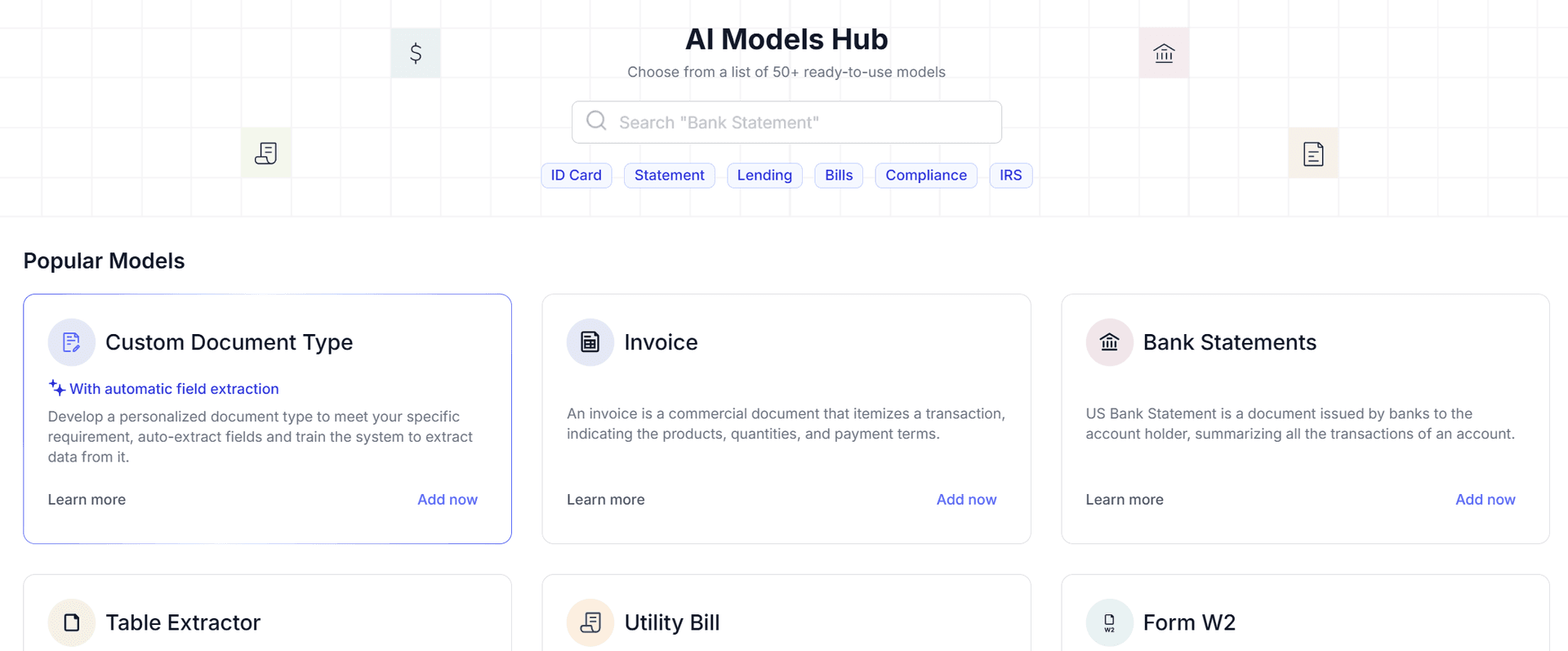
Docsumo is template-dependent - designed around their 50-100+ pre-trained document models for common types like invoices, bank statements, and KYC documents. For anything outside their pre-trained models, you need to upload 20-50 labeled documents, annotate fields manually, wait for training, and validate results. And there's no on-premises deployment option, no zero-data-retention policy, and no air-gapped deployment.
What if your workloads don't map to common pre-trained types? What if you're processing heterogeneous, complex documents? What if you need strict data residency controls? Docsumo's cloud-only architecture (multi-tenant by default) may not meet your requirements.
DocuPipe is zero-shot with transparent pricing. Define a schema with the fields you need. Upload your first document. Get structured JSON back. No training, no labeled data, no iteration cycles. Enterprise plans include on-premise deployment for strict data control. $99/mo Business, $499/mo Premium - all features included.
Time to first extraction: minutes vs weeks
With Docsumo, new document types take days to weeks. Collect sample documents. Label each one manually. Upload for training. Wait for model training. Test and validate. Iterate if accuracy is low.
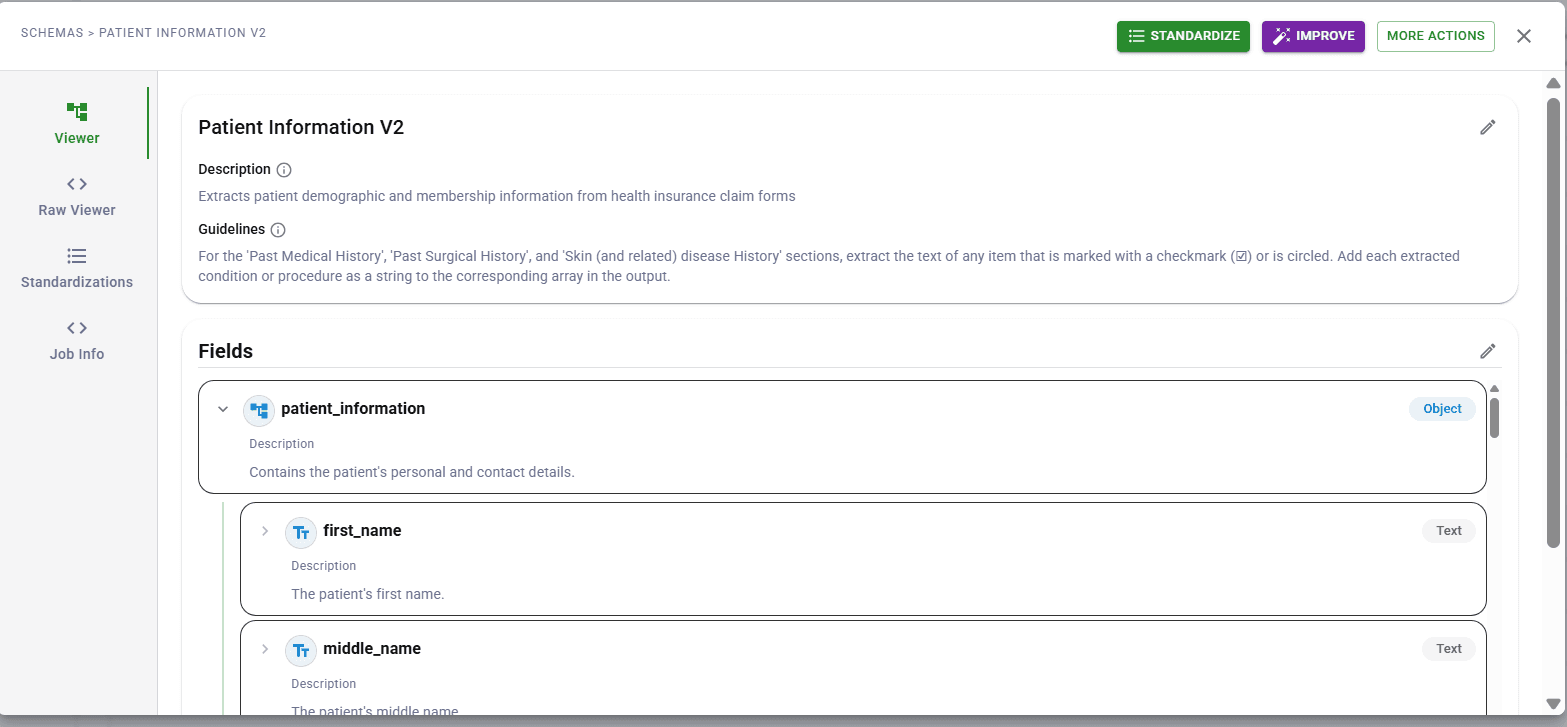
With DocuPipe, new document types take minutes. Define your schema (or let AI suggest fields from one sample). Start extracting. The AI handles layout understanding without explicit training.
For teams moving fast, this difference is massive. Launch a new document workflow today, not next month.
When vendors change layouts
Docsumo's trained models learn specific document patterns. When a vendor updates their invoice format - new logo position, rearranged fields, different table structure - the model's learned patterns may no longer match. Accuracy drops. You may need to relabel and retrain.
DocuPipe's zero-shot extraction adapts to layout changes automatically. The AI understands document semantics, not just spatial patterns. A new invoice design still has 'total' and 'vendor name' - DocuPipe finds them regardless of position.
In the real world, document formats change constantly. Zero-shot extraction handles that reality.
API-first vs UI-first: different design philosophies
Docsumo is UI-first. It's designed for operations teams who work in dashboards. The API exists, but the product experience centers on their web interface. Great for ops teams, less ideal for developers embedding extraction in products.
DocuPipe is API-first. It's designed for developers integrating document extraction into applications. The dashboard exists for ops collaboration, but the API is the primary interface. Same powerful extraction, developer-optimized experience.
Choose based on who's building: ops teams want Docsumo's UI, developers want DocuPipe's API.
See it in action
Up to 20,000 free credits with an eligible work email. No credit card required.
Source verification: source highlighting traceability
Both DocuPipe and Docsumo offer human review interfaces. Both show confidence scores. Both let you correct extractions.
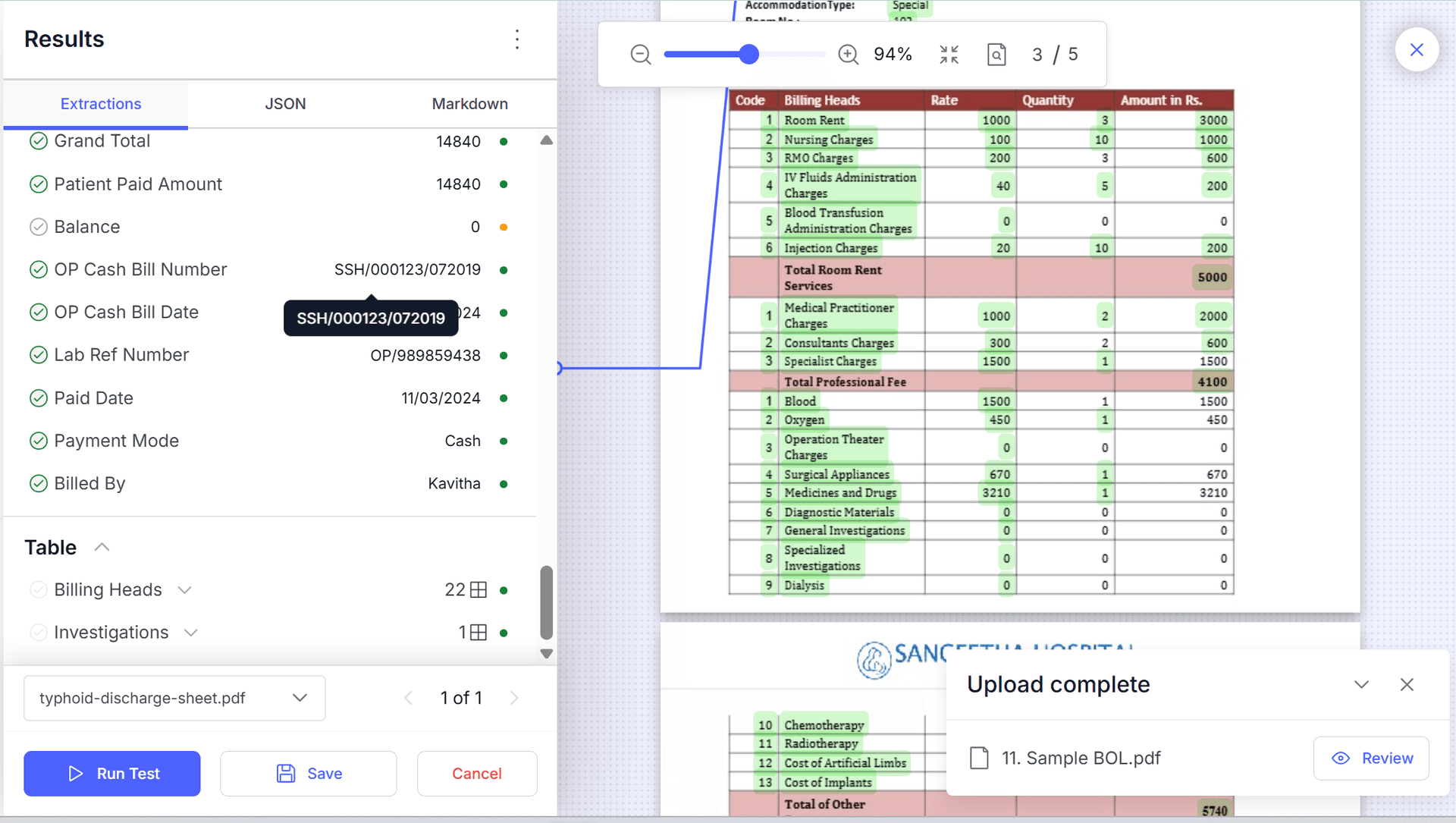
DocuPipe's source highlighting adds instant source traceability. Click any extracted field and see exactly where it came from on the original document, highlighted immediately. No hunting, no guessing.
For compliance-heavy industries where audit trails matter, DocuPipe's visual review features provide the verification layer you need.
Docsumo vs DocuPipe: training vs zero-shot
Choose Docsumo if you have large volumes of consistent documents, you can invest time in training and labeling, and you prefer UI-first workflows.
Choose DocuPipe if you need to extract from new document types immediately, you don't want training overhead, and you're building API-integrated applications.
The question is whether you want to train models or use zero-shot extraction.
Which should you choose?
Choose DocuPipe if...
You need to extract from new document types immediately
You don't want to label 20-50 documents per type
Document layouts change frequently
You're building API-integrated applications
You want transparent self-serve pricing
Choose Docsumo if...
You have high volumes of consistent documents
You can invest time in training and labeling
You prefer UI-first workflows
Your document types are stable and don't change
Skip the setup headaches
Start extracting documents in minutes, not weeks.
Frequently asked questions
Docsumo typically requires 20-50 labeled documents to train a custom extractor. You manually annotate fields in each document, upload them, and wait for model training. DocuPipe requires zero - define your schema and extract immediately.
Docsumo's trained models may lose accuracy when layouts change significantly - the learned patterns no longer match. Retraining may be needed. DocuPipe's zero-shot extraction adapts automatically since it understands document semantics, not just spatial patterns.
Docsumo's UI-first design is well-suited for operations teams working in dashboards. DocuPipe is API-first, optimized for developers. Both have review interfaces, but the primary experience differs.
DocuPipe starts at $99/mo Business, while Docsumo starts at $169/mo. DocuPipe's pricing is fully transparent and self-serve. Docsumo's higher tiers require custom quotes and sales calls.
Yes, after training. You need to collect sample documents, label them, and train a model for each document type. DocuPipe extracts from any document type immediately - just define the schema.
DocuPipe is significantly faster. Minutes to first extraction with zero-shot. Docsumo requires days to weeks for the training and labeling process before extraction works for new document types.

The best way to compare? Try it yourself.
Up to 20,000 free credits with an eligible work email. No credit card required.